

Linking & parking
Flock serves projects in two ways: parked folders, where every subfolder becomes a site, and linked sites, which are single projects.
Parking a folder
Every subdirectory of a parked folder is served as <subdirectory>.test. New projects in that folder are picked up automatically, so ~/Code/blog is http://blog.test as soon as you create it. You can park as many folders as you like.
Open Settings… from the Flock panel and go to General. Under Project folders, click + and choose one or more folders.
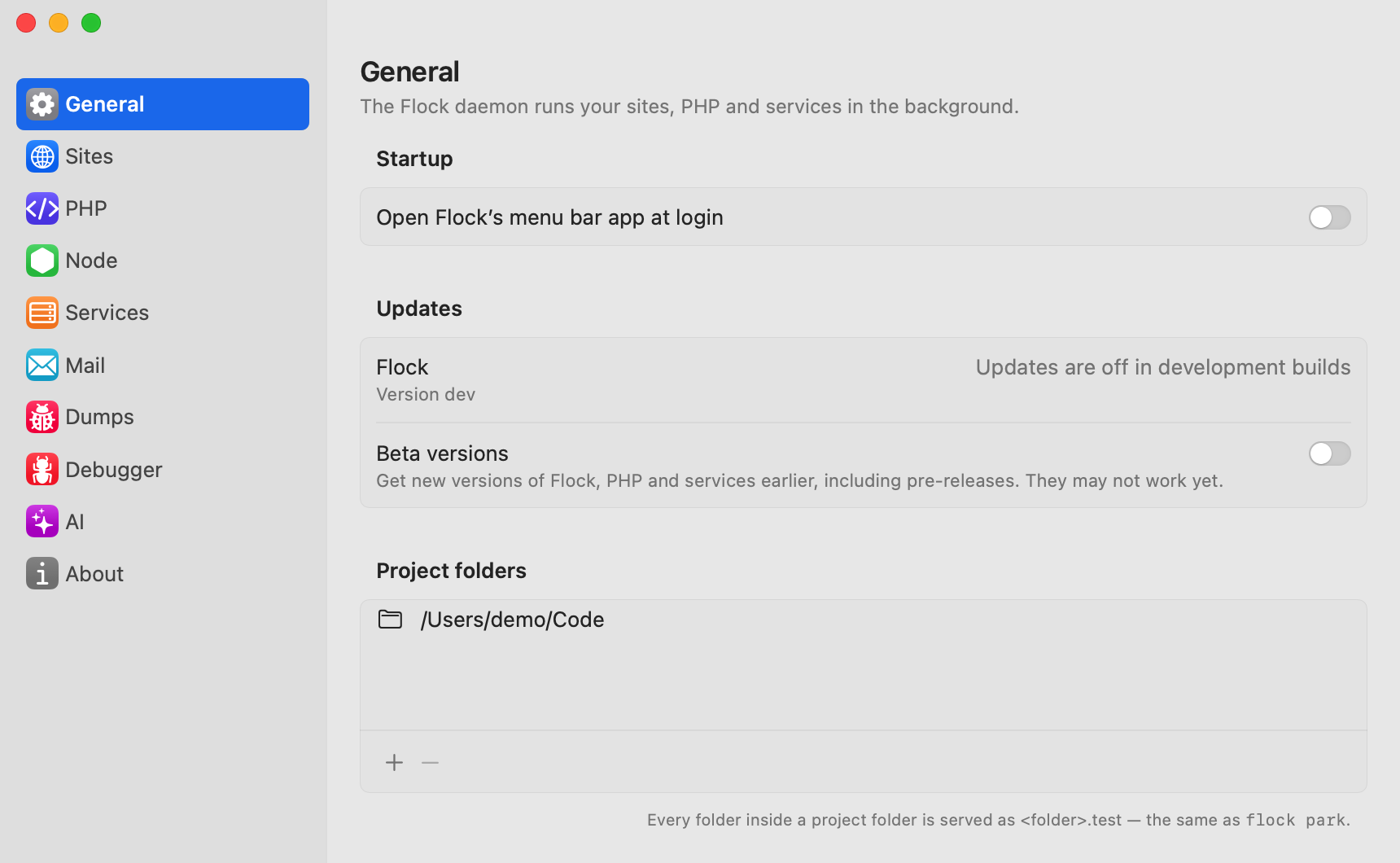
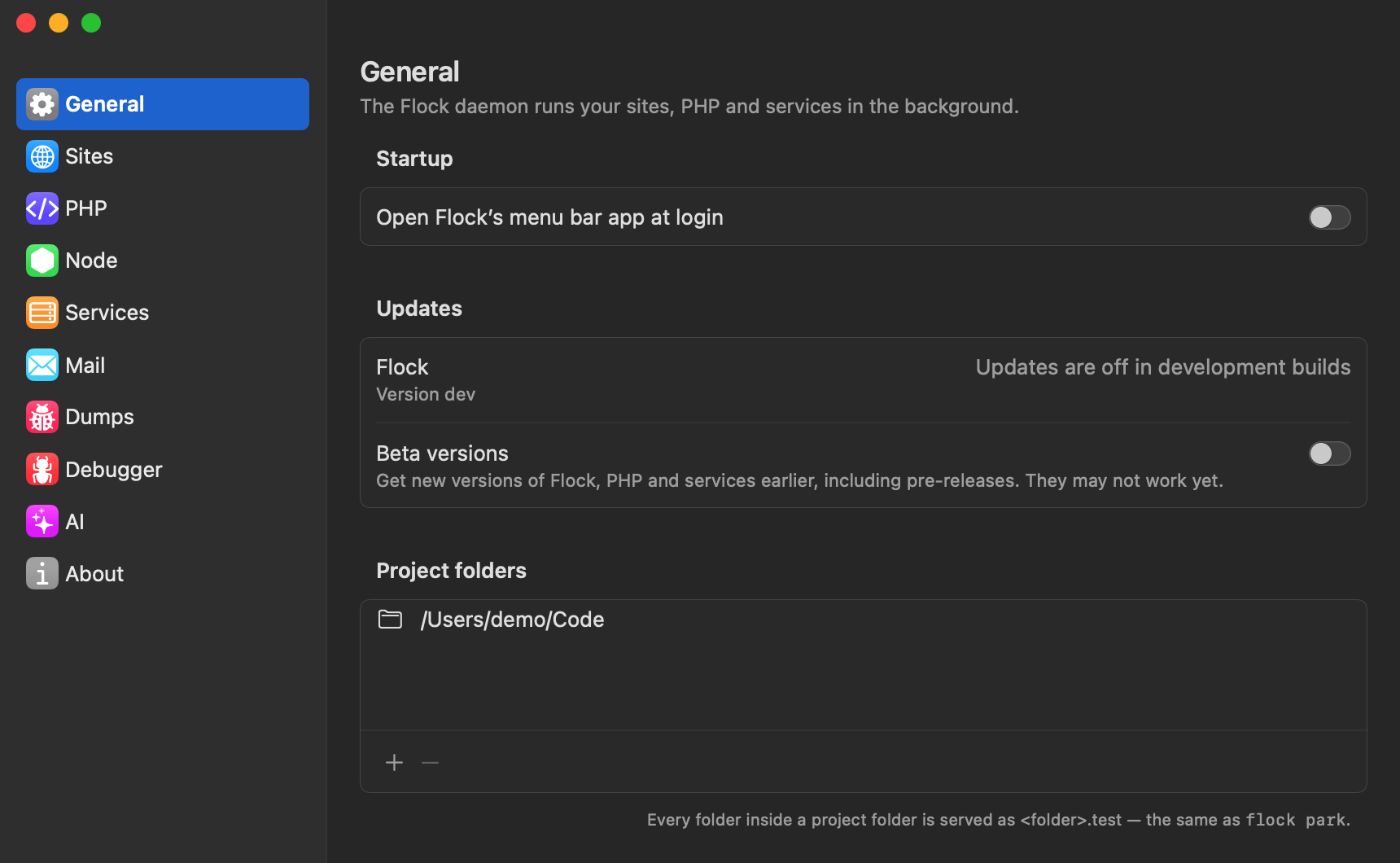
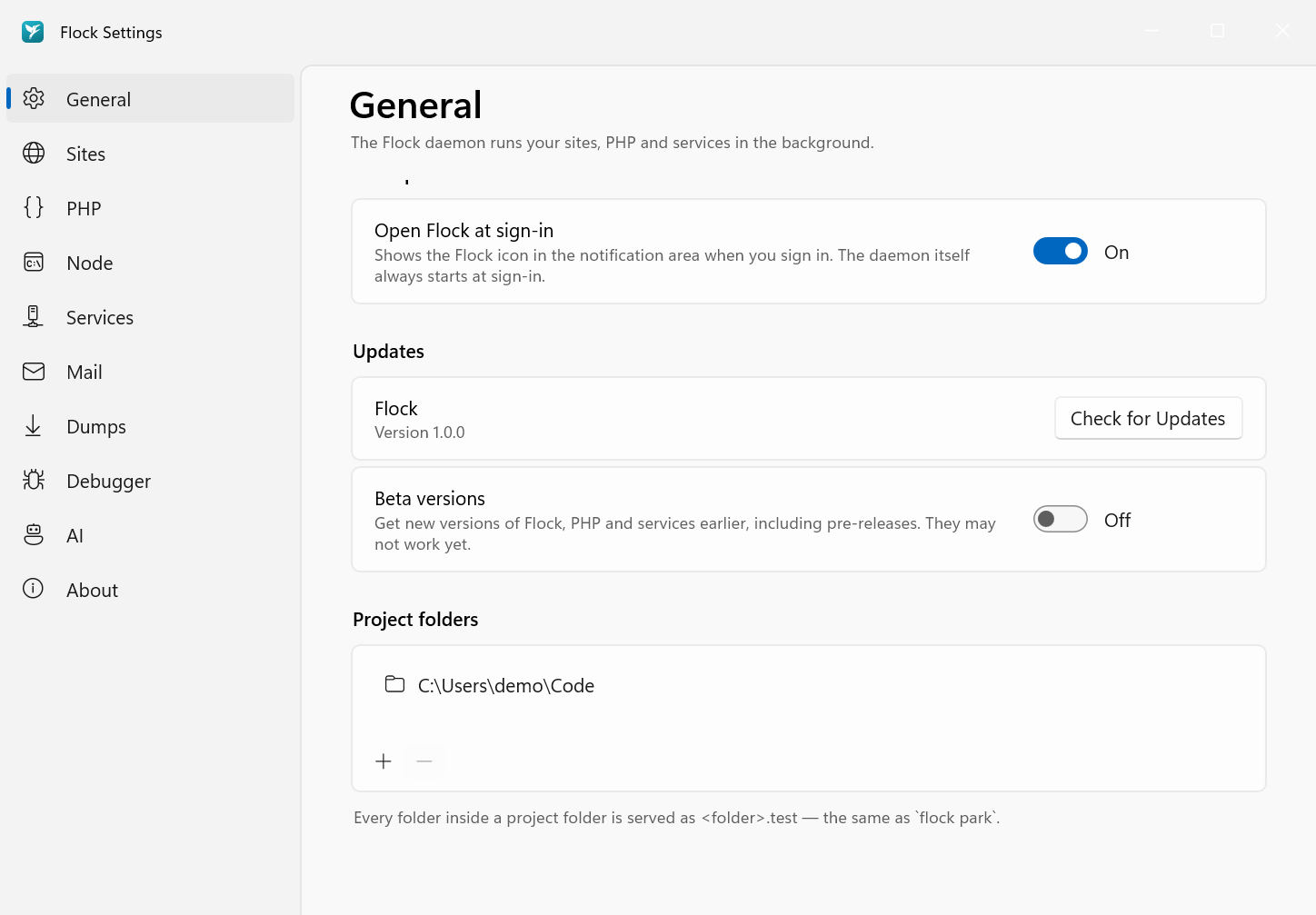
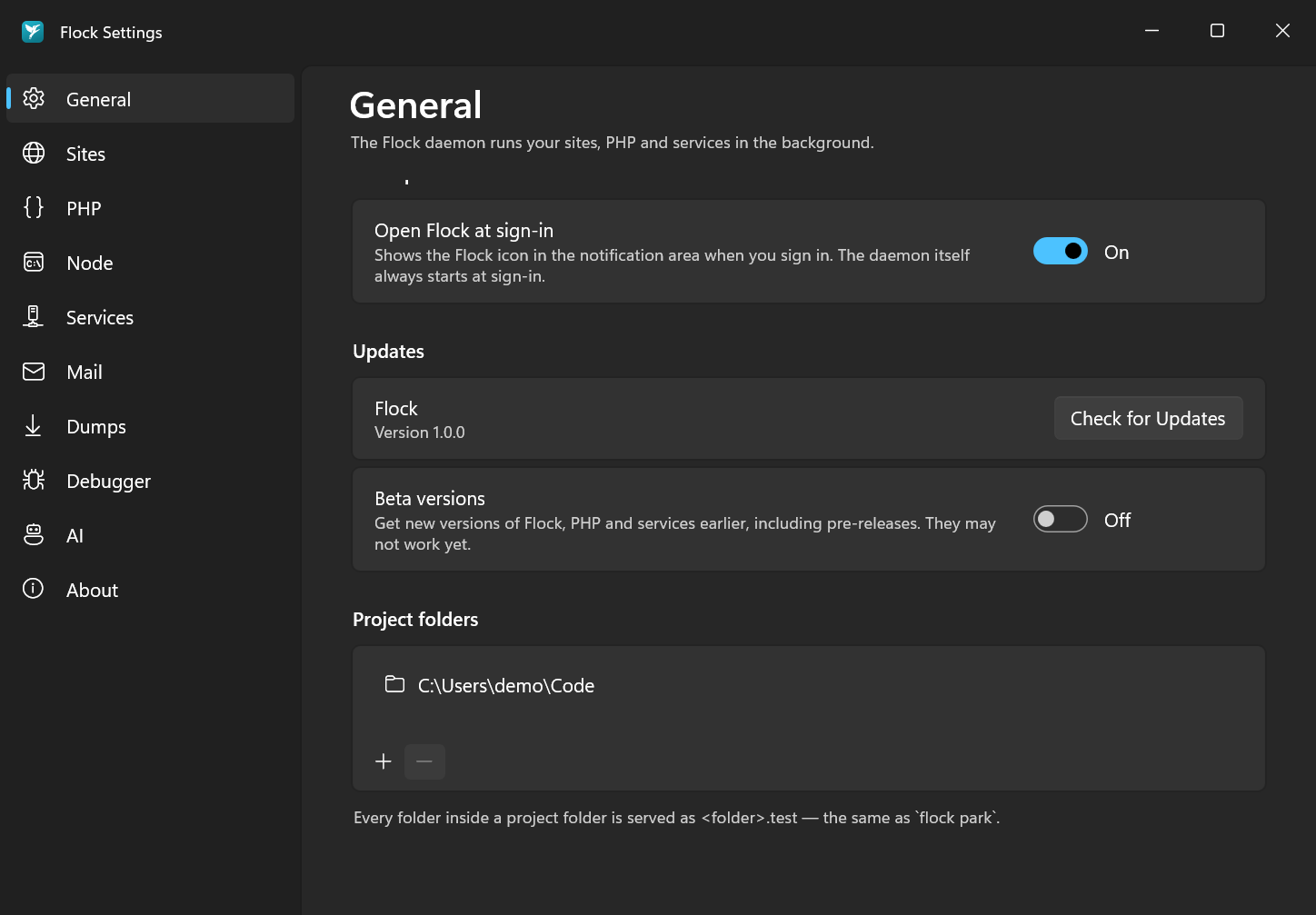
To stop serving a folder, select it, click − and confirm with Remove.
cd ~/Code
flock park
You can pass a path instead of cd-ing into it:
flock park ~/Work
To stop serving a parked folder:
flock unpark ~/Work
Linking a project
A linked site is a single project folder, wherever it lives. The site name defaults to the folder name.
In Settings → Sites, click Add Site… and choose the project folder. Set its PHP version and HTTPS in its row afterwards.
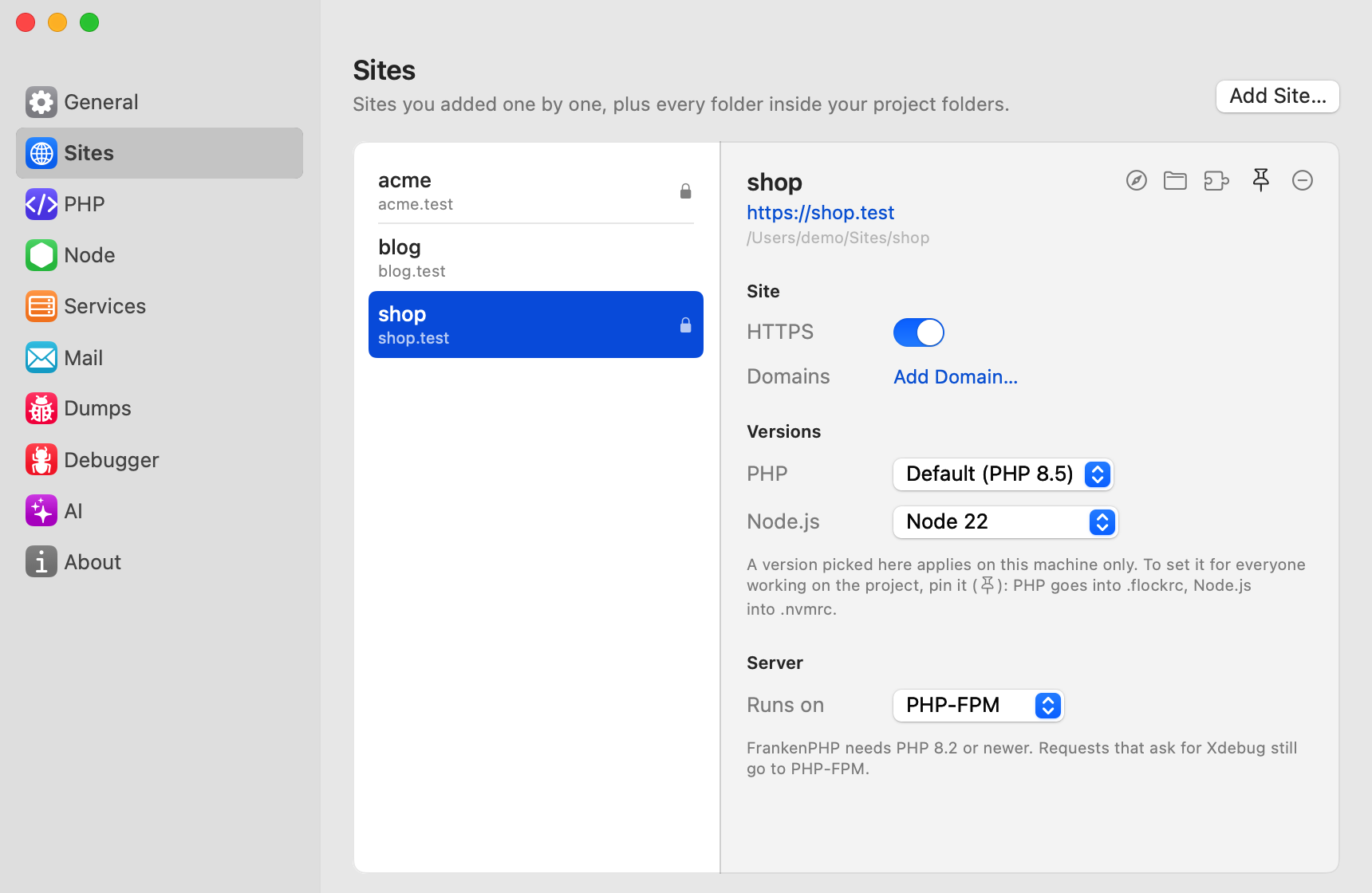
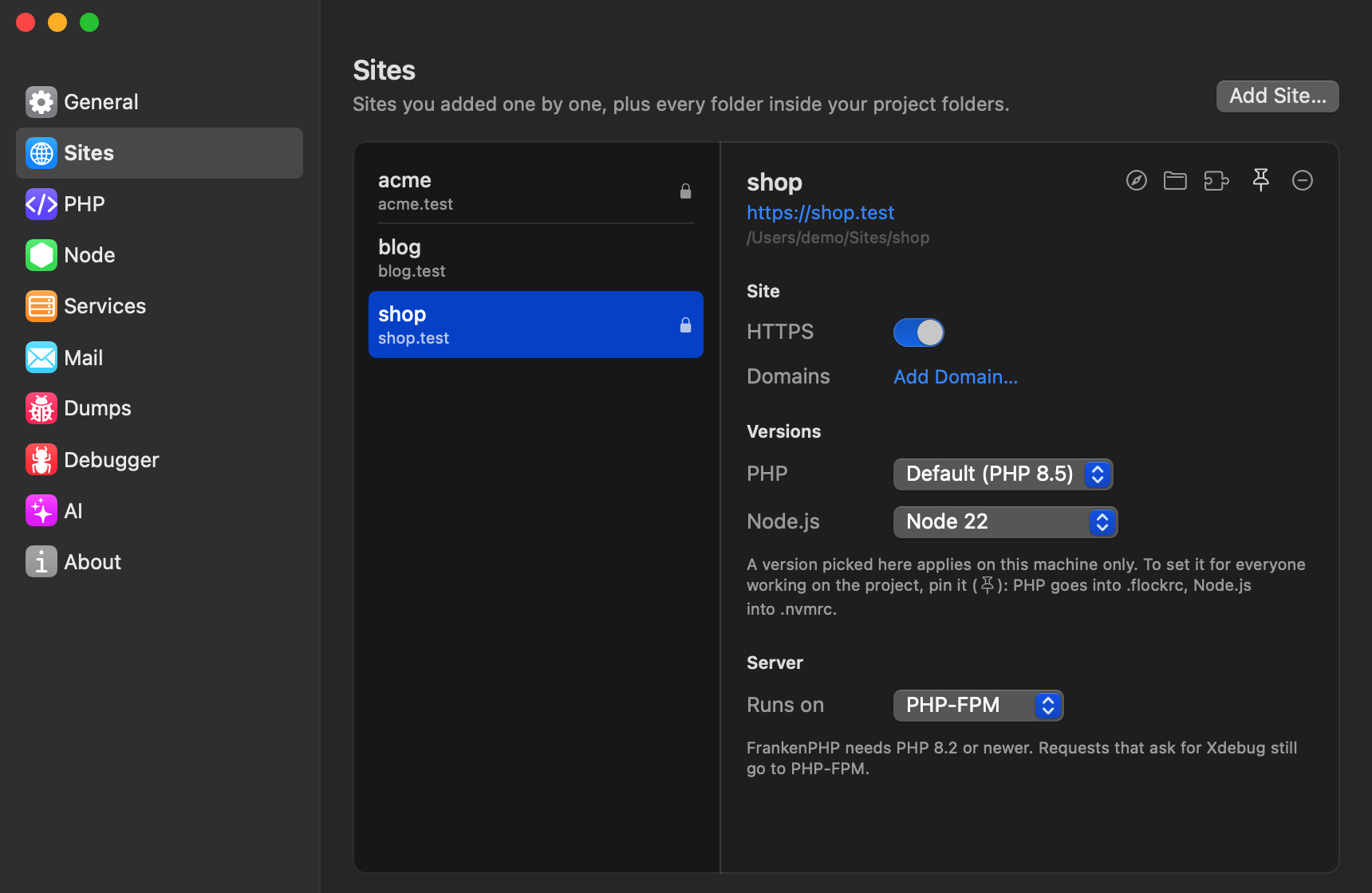
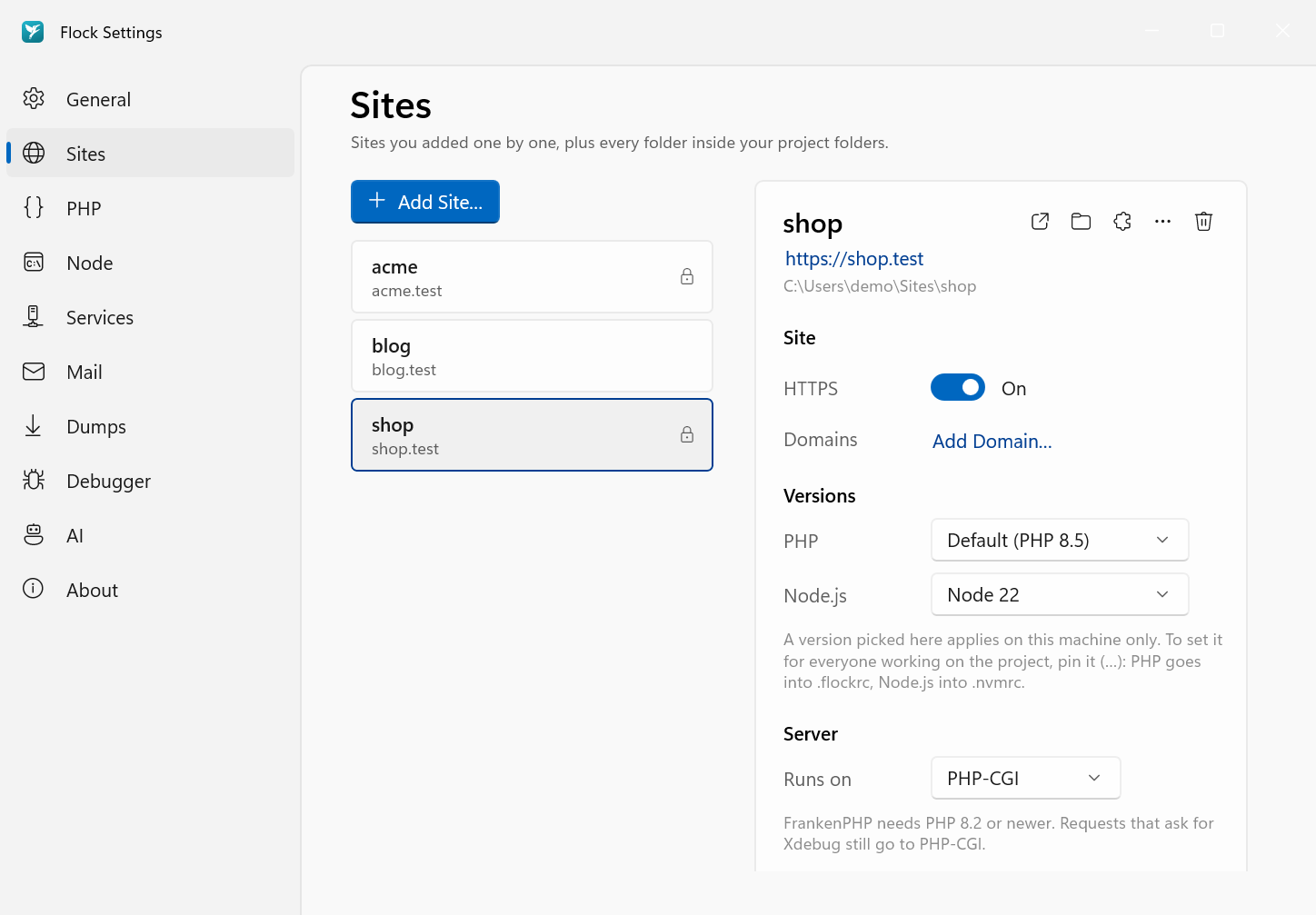
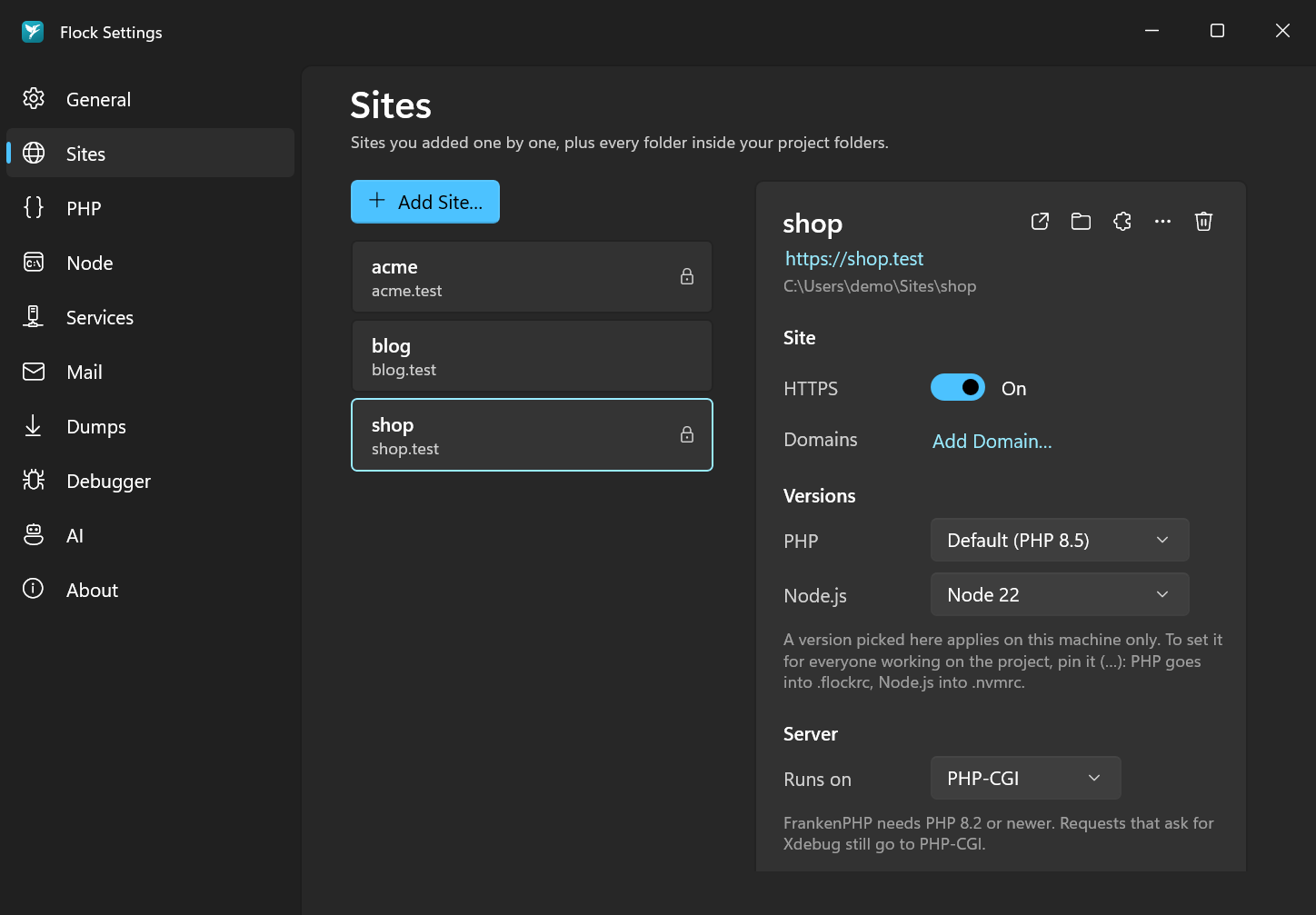
To remove a linked site, click its Remove site icon and confirm with Remove. Sites that come from a project folder have no remove button: they disappear when you remove the folder.
Link the current directory as a site:
cd ~/Code/acme
flock link
# linked ~/Code/acme → http://acme.test
Pass a name to use a different one, and use the flags to set it up in one go:
flock link shop --php 8.4 --secure
| Flag | Description |
|---|---|
--php <version> |
Use this PHP version for the site |
--secure |
Serve it over HTTPS right away |
Remove a link with flock unlink [name].
Listing sites
Settings → Sites lists every linked and parked site with its PHP and Node version and HTTPS state. Sites from a project folder carry a Project folder badge. The Sites section of the Flock panel lists them too: click one to open it in your browser.
flock sites
This lists every linked and parked site with its PHP version, URL and path.
Document root
For each site Flock serves public/ when it contains an index.php, which covers Laravel and most other frameworks. Otherwise it serves the project folder itself, so plain PHP projects and static sites work too.