

Databases & services
Flock installs databases, caches, search engines and object storage as native processes. They start in the background with Flock and shut down cleanly. Every build is downloaded from Flock's signed package list and checked before it is installed — nothing is compiled on your machine.
Available services
| Service | Category | Port | Versions |
|---|---|---|---|
| PostgreSQL | Database | 5432 | 18, 17, 16, 15, 14 |
| MySQL | Database | 3306 | 9.7, 8.4, 8.0 |
| MariaDB | Database | 3306 | 12.3, 11.8, 11.4, 10.11 |
| MongoDB | Database | 27017 | 9.0, 8.0, 7.0 |
| Valkey | Cache & queue | 6379 | 9.1 |
| Redis | Cache & queue | 6379 | 8.10, 8.4, 7.4, 7.2 (macOS only; on Windows use Valkey) |
| Meilisearch | Search | 7700 | 1.x |
| Typesense | Search | 8108 | 30, 29 (macOS only) |
| RustFS | Storage | 9000 | 1.x |
PostgreSQL has its own section. See PostgreSQL.
Installing and removing
Without a version, Flock installs the newest one. A different port lets two services that normally share one run side by side, for example MySQL and MariaDB: when you install MariaDB while MySQL already uses 3306, Flock suggests 3307. Uninstalling keeps your data unless you ask for it to be deleted.
Open Settings… from the Flock panel and go to Services. Switch the filter from Installed to All to see every service, and select one. Pick a Version and Port, then click Install.
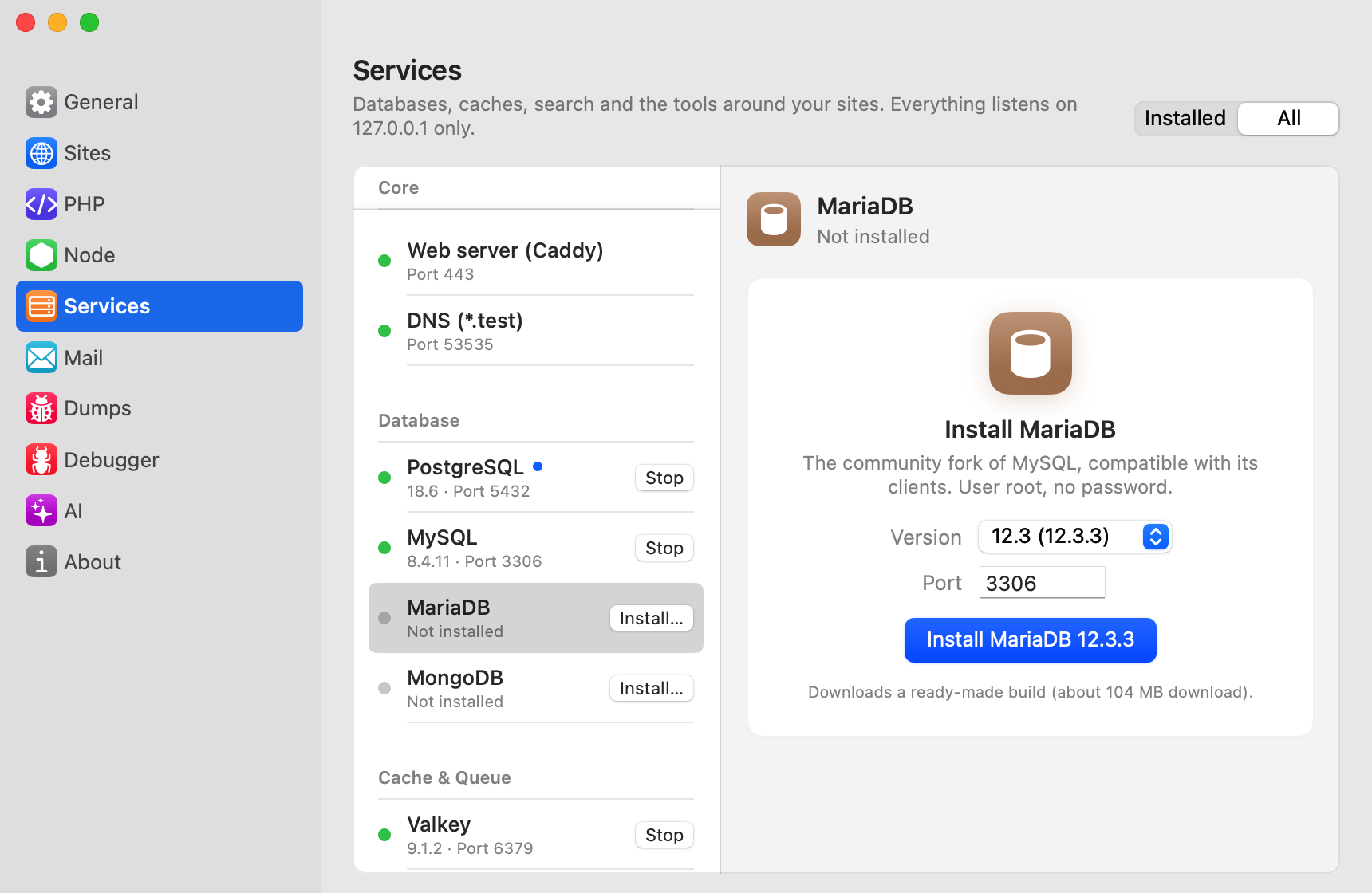
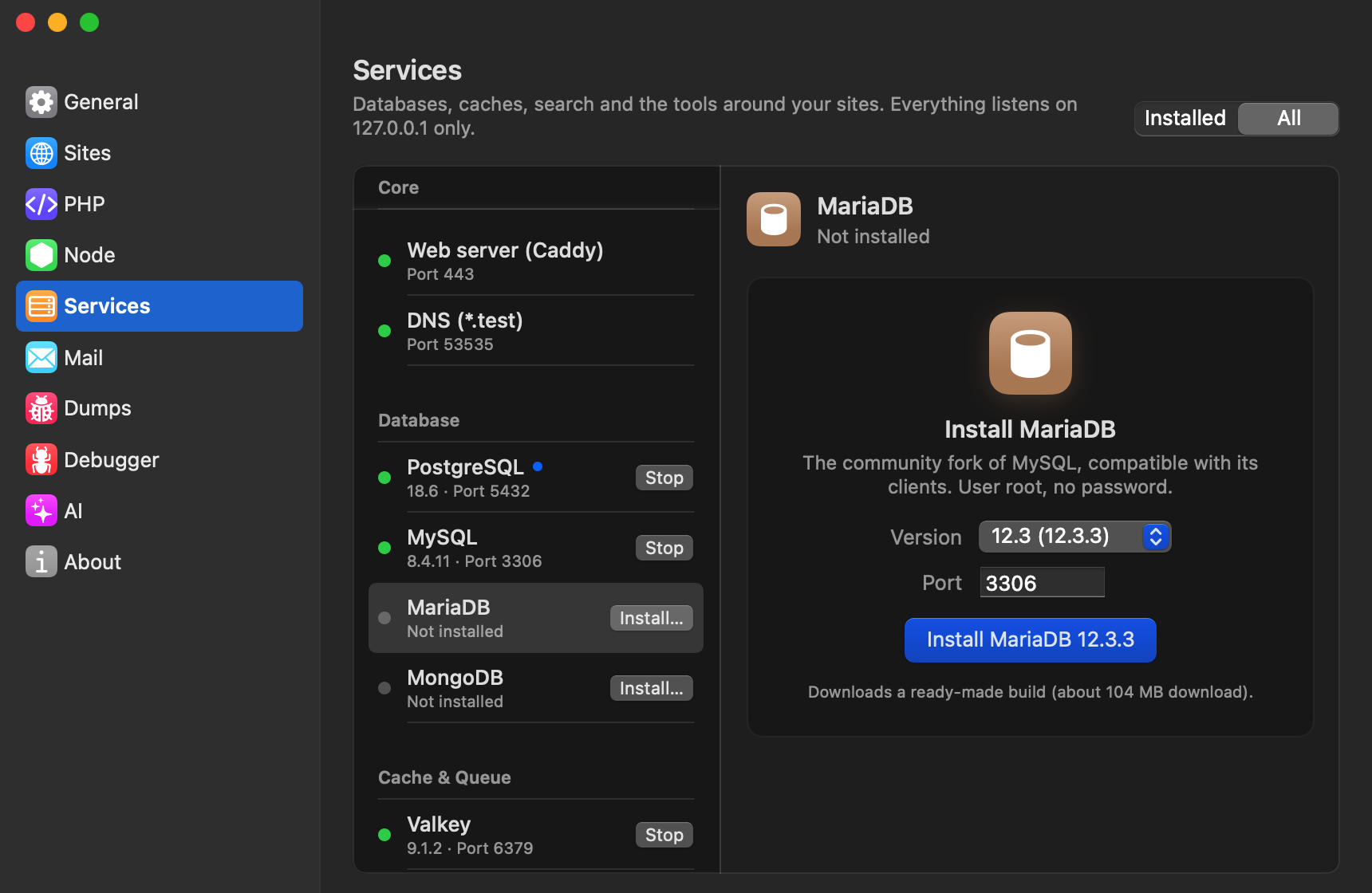
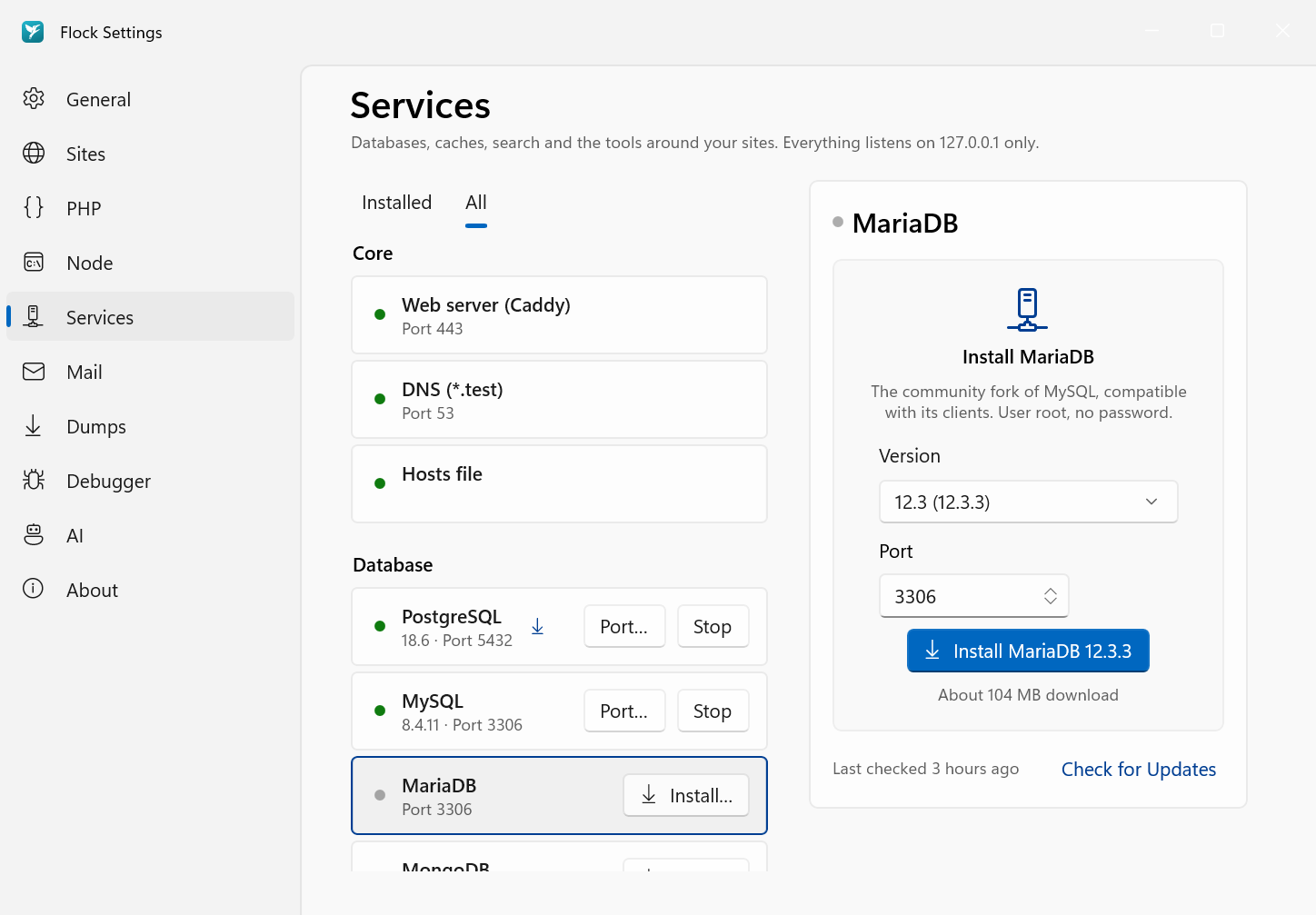
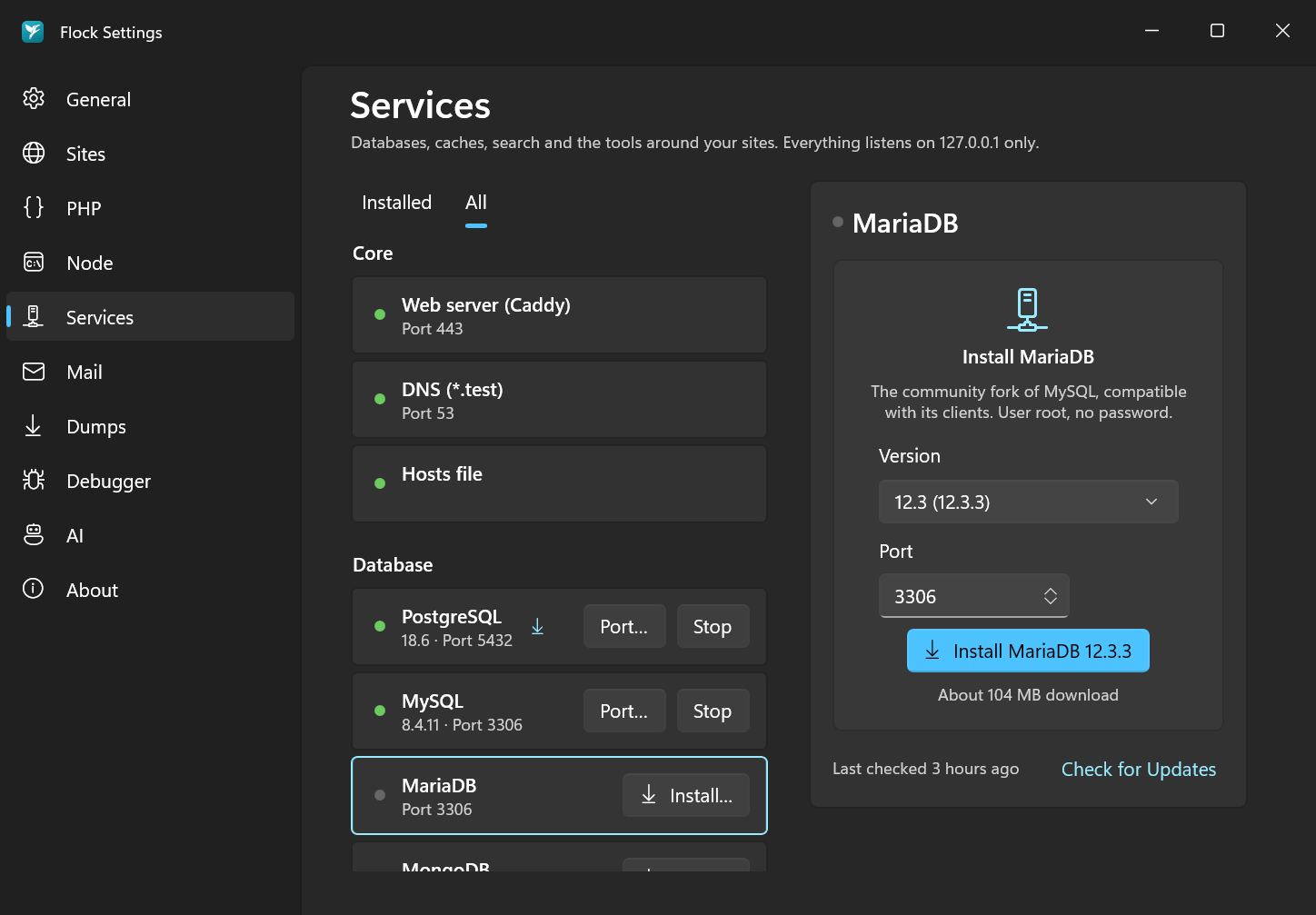
Once a service is installed:
- Start and Stop it from its row.
- Switch… to another version, or Update to … the installed one, from its detail.
- Change its port with Change… next to Port in the detail (macOS), or the Port… button on its row (Windows).
- Remove it with Uninstall… in the ⋯ menu. macOS asks whether to keep the data; on Windows, tick Also delete its data to remove it.
flock services                         # list services and their state
flock services install postgres
flock services install mysql 8.4
flock services install valkey
flock services install mariadb 11.8 --port 3307
flock services update mysql
flock services list mysql              # versions, updates and data sizes
flock services create-db mysql acme
flock services uninstall mysql
flock services uninstall mysql --delete-data
Connecting from Laravel
Each service's detail in Settings → Services shows its Environment Variables, with a copy button, and its connection URL. If TablePlus is installed, Open connects to the service in it.
These are the defaults:
PostgreSQL
User postgres, no password. See PostgreSQL for databases and versions.
DB_CONNECTION=pgsql
DB_HOST=127.0.0.1
DB_PORT=5432
DB_DATABASE=laravel
DB_USERNAME=postgres
DB_PASSWORD=
MySQL / MariaDB
User root, no password. MariaDB uses DB_CONNECTION=mariadb.
DB_CONNECTION=mysql
DB_HOST=127.0.0.1
DB_PORT=3306
DB_DATABASE=laravel
DB_USERNAME=root
DB_PASSWORD=
MongoDB
Uses the mongodb/laravel-mongodb package and PHP's mongodb extension.
DB_CONNECTION=mongodb
MONGODB_URI=mongodb://127.0.0.1:27017
MONGODB_DATABASE=laravel
Redis / Valkey
REDIS_CLIENT=phpredis
REDIS_HOST=127.0.0.1
REDIS_PASSWORD=null
REDIS_PORT=6379
redis-cli and valkey-cli are on your PATH. redis-cli talks to Redis when it is installed, else to Valkey.
Meilisearch
No API key is needed locally.
SCOUT_DRIVER=meilisearch
MEILISEARCH_HOST=http://127.0.0.1:7700
MEILISEARCH_KEY=
Typesense
SCOUT_DRIVER=typesense
TYPESENSE_HOST=127.0.0.1
TYPESENSE_PORT=8108
TYPESENSE_PROTOCOL=http
TYPESENSE_API_KEY=flock
RustFS (S3-compatible storage)
RustFS includes a web console on the port after the API port (9001). Create a bucket named laravel there.
FILESYSTEM_DISK=s3
AWS_ACCESS_KEY_ID=rustfsadmin
AWS_SECRET_ACCESS_KEY=rustfsadmin
AWS_DEFAULT_REGION=us-east-1
AWS_BUCKET=laravel
AWS_ENDPOINT=http://127.0.0.1:9000
AWS_URL=http://127.0.0.1:9000/laravel
AWS_USE_PATH_STYLE_ENDPOINT=true
Valkey or Redis?
Valkey is the open-source Redis: the same commands, and Laravel's Redis settings work with it unchanged. Flock offers it on macOS and Windows. Redis itself is available on macOS only.