

PHP
Flock installs and manages PHP for you. Several versions live side by side, and each site uses the version it needs.
Installing versions
PHP 7.4 and newer are supported.
Open Settings… from the Flock panel and go to PHP. Click Install next to a version, or Update to … when a newer patch release is out. Check now looks for new releases.
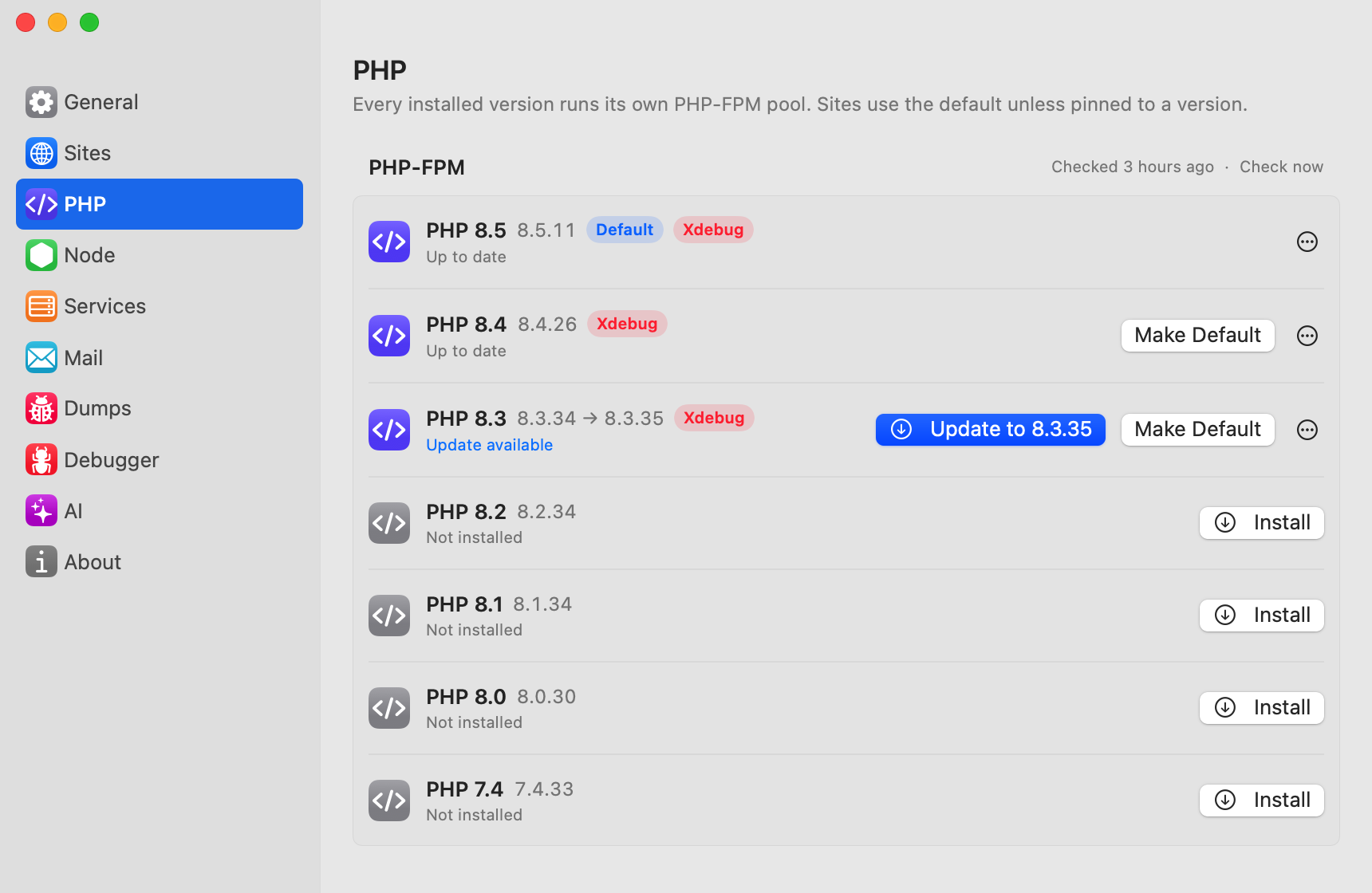
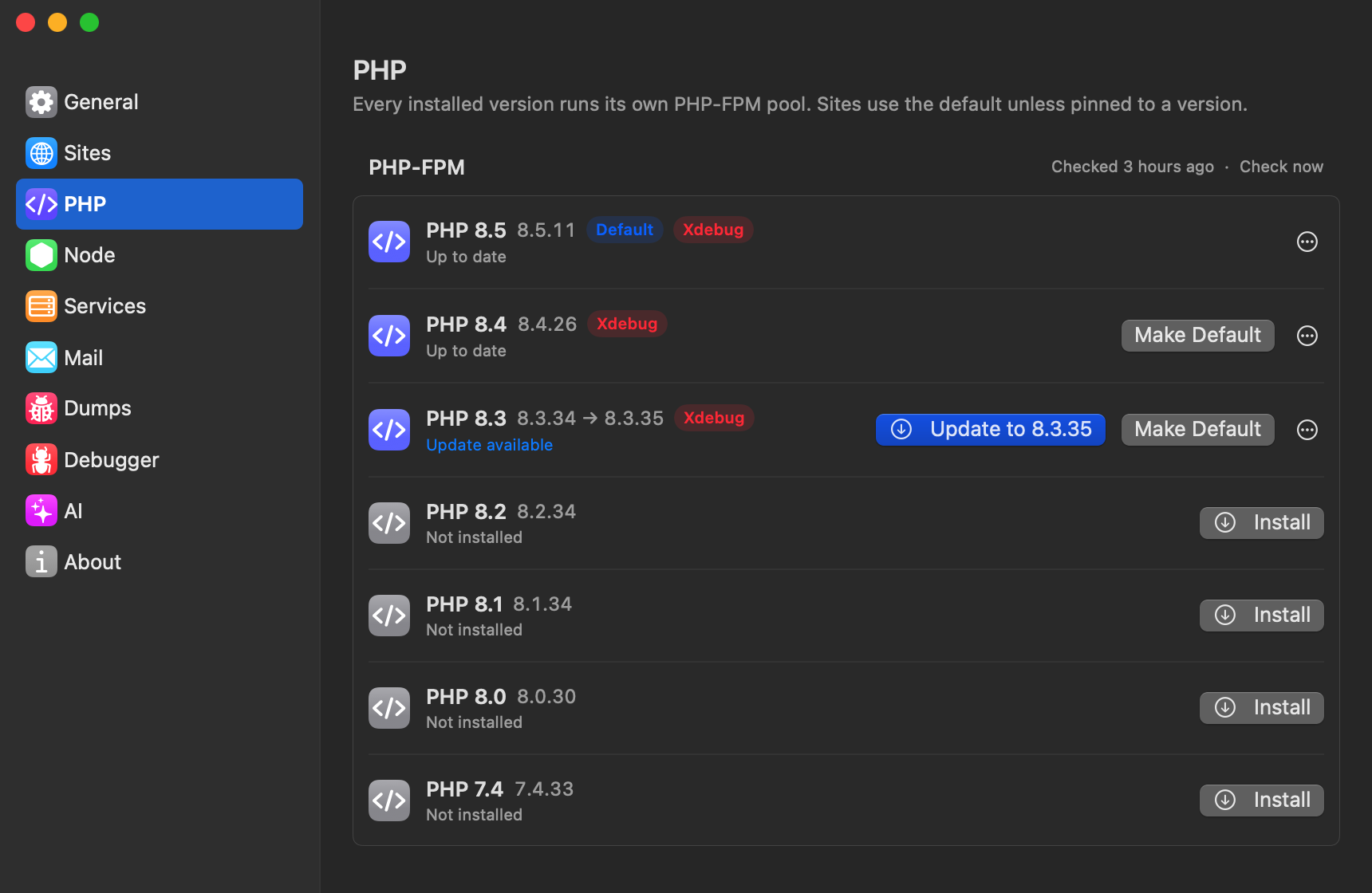
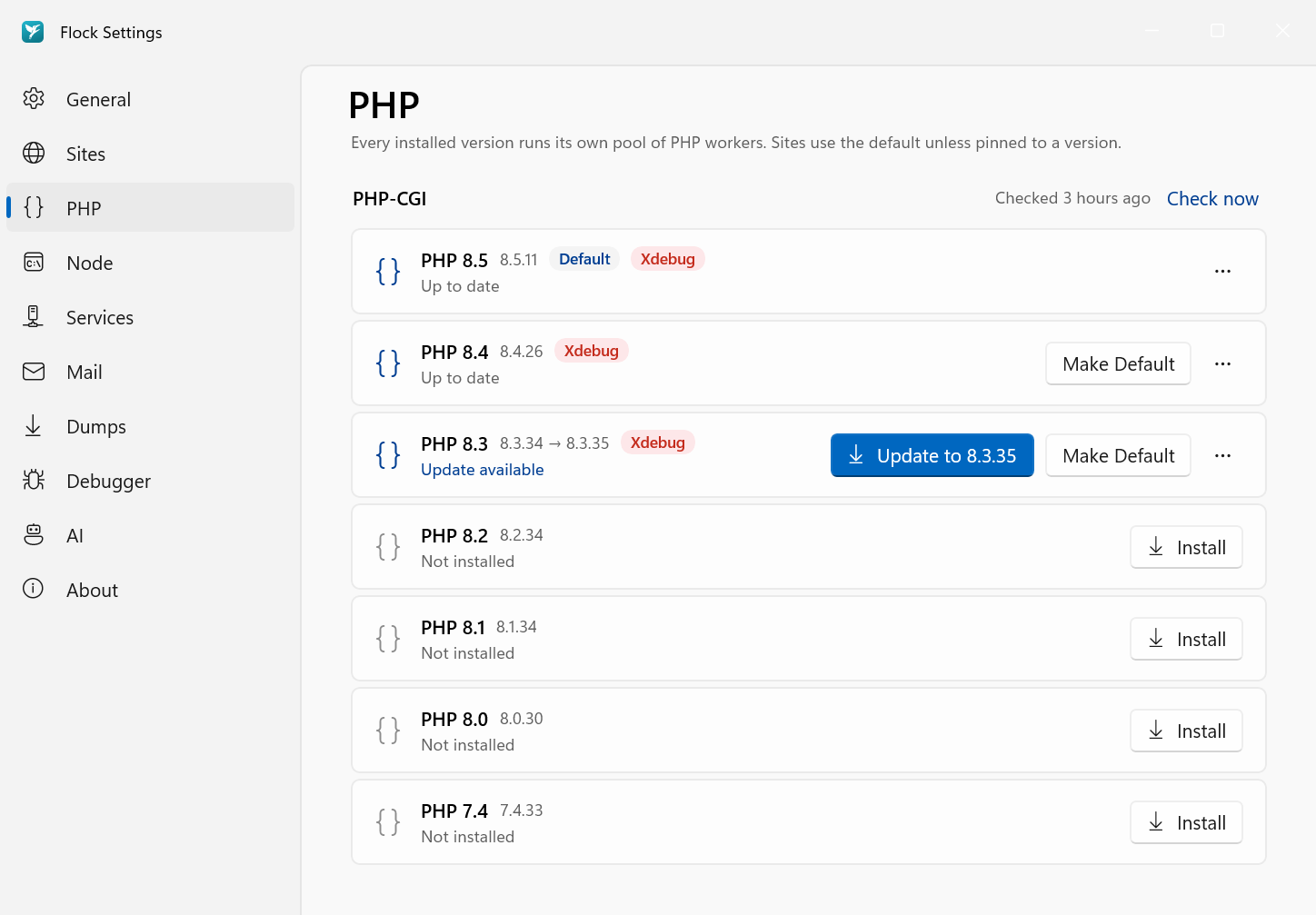
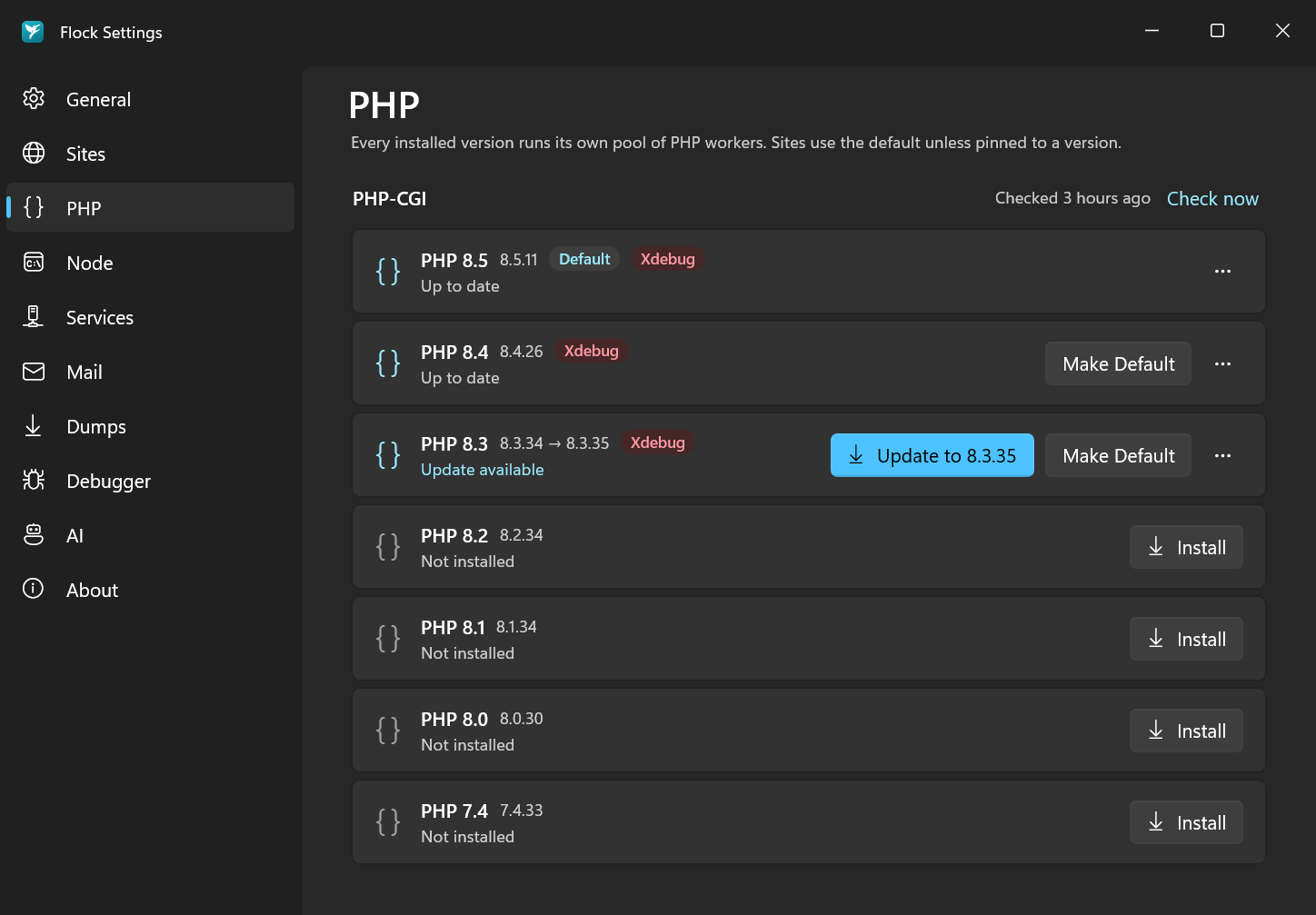
To remove a version, open its ⋯ menu and choose Uninstall….
flock php install 8.5
flock php install 8.4
flock php list
Every version is a download: Flock checks the checksum and the signature of the list it comes from before installing it. Nothing is compiled on your machine.
- macOS: builds for Apple silicon made by Flock, with PHP-FPM.
- Windows: the official thread-safe x64 builds from windows.php.net, plus Flock's pack of extensions the official builds don't include. Each version runs a small pool of
php-cgiworkers, and requests go to the least busy one.
Updating installs the newest patch release, and keeps your php.ini. When a build turns out to be broken and is withdrawn, Flock replaces it with a fixed one by itself.
The default version
The default version is used by every site and folder that doesn't choose its own. To choose per project, see Per-project versions.
In Settings → PHP, click Make Default next to the version you want.
flock use 8.5
Extensions
Flock's PHP includes the extensions most Laravel apps need, all of them on, with nothing to set up:
apcu  bcmath  bz2  calendar  ctype  curl  dom  exif  fileinfo  filter  ftp  gd
gmp  iconv  igbinary  imagick  intl  mbstring  memcached  mongodb  mysqli
opcache  openssl  pcntl  pdo_mysql  pdo_pgsql  pdo_sqlite  pgsql  phar  posix
readline  redis  session  simplexml  soap  sockets  sodium  sqlite3  tokenizer
xml  xmlreader  xmlwriter  xsl  zip  zlib
- pcov is on for the command line only (
php,composer,php artisan test), so your tests can measure code coverage while web requests stay fast. - Xdebug loads only for requests that ask for it. See Xdebug.
- On Windows,
memcached,pcntlandposixaren't available, andmongodbneeds PHP 8.1 or newer.
Which extensions a project needs
A project should list the extensions it uses in composer.json, as "ext-intl": "*". Then composer install refuses to run on a server that doesn't have them, instead of the app failing there later. Packages do this for themselves, so most requirements already come with them.
For each site, Flock shows the extensions it requires, which package requires each one, and whether Flock's PHP includes it. When a site requires one Flock doesn't include, the site shows it as a problem.
For Laravel apps, Flock also looks at .env and config/ for extensions the app uses without requiring them: the database driver (DB_CONNECTION=pgsql needs pdo_pgsql), Memcached or APCu as the cache or session store, Redis through phpredis, and the Imagick driver of Intervention Image. Each one comes with Add to composer.json, which runs composer require ext-<name>:* in the project. These hints are Laravel-only for now.
In Settings → Sites, click the extensions button (the puzzle piece) next to a site.
Run it in the project's folder:
flock ext
flock ext add pdo_pgsql
AI agents get the same list from the php_extensions tool of Flock's MCP server.
php.ini
Each version has its own php.ini. Flock writes sensible development defaults the first time and never overwrites your changes:
| Setting | Default |
|---|---|
memory_limit |
512M |
upload_max_filesize / post_max_size |
128M |
display_errors |
On |
opcache.enable |
On |
To edit it, open the version's ⋯ menu in Settings → PHP and choose Open php.ini.
The file is php/8.5/php.ini inside Flock's data directory, and php --ini prints its path.
Composer
composer is included and runs with the PHP version of the current project, so composer install always matches the version the browser uses.