

Domains & subdomains
Wildcard subdomains
Every site answers on its subdomains automatically, up to four levels deep. If acme.test is a site, all of these reach it:
tenant1.acme.test
api.acme.test
eu.tenant1.acme.test
This works for multi-tenant apps and subdomain routing without any configuration, on Windows too.
Extra domains and aliases
Give a site additional domains. A name without a dot is treated as a subdomain of the site, and a full name ending in your TLD is added as an alias.
In Settings → Sites, click the globe icon in the site's row and choose Add Domain… (macOS), or select the site and click Add Domain… under Domains (Windows). Enter tenant1 for tenant1.acme.test, or a full name like acme-admin.test for a separate alias, and click Add.
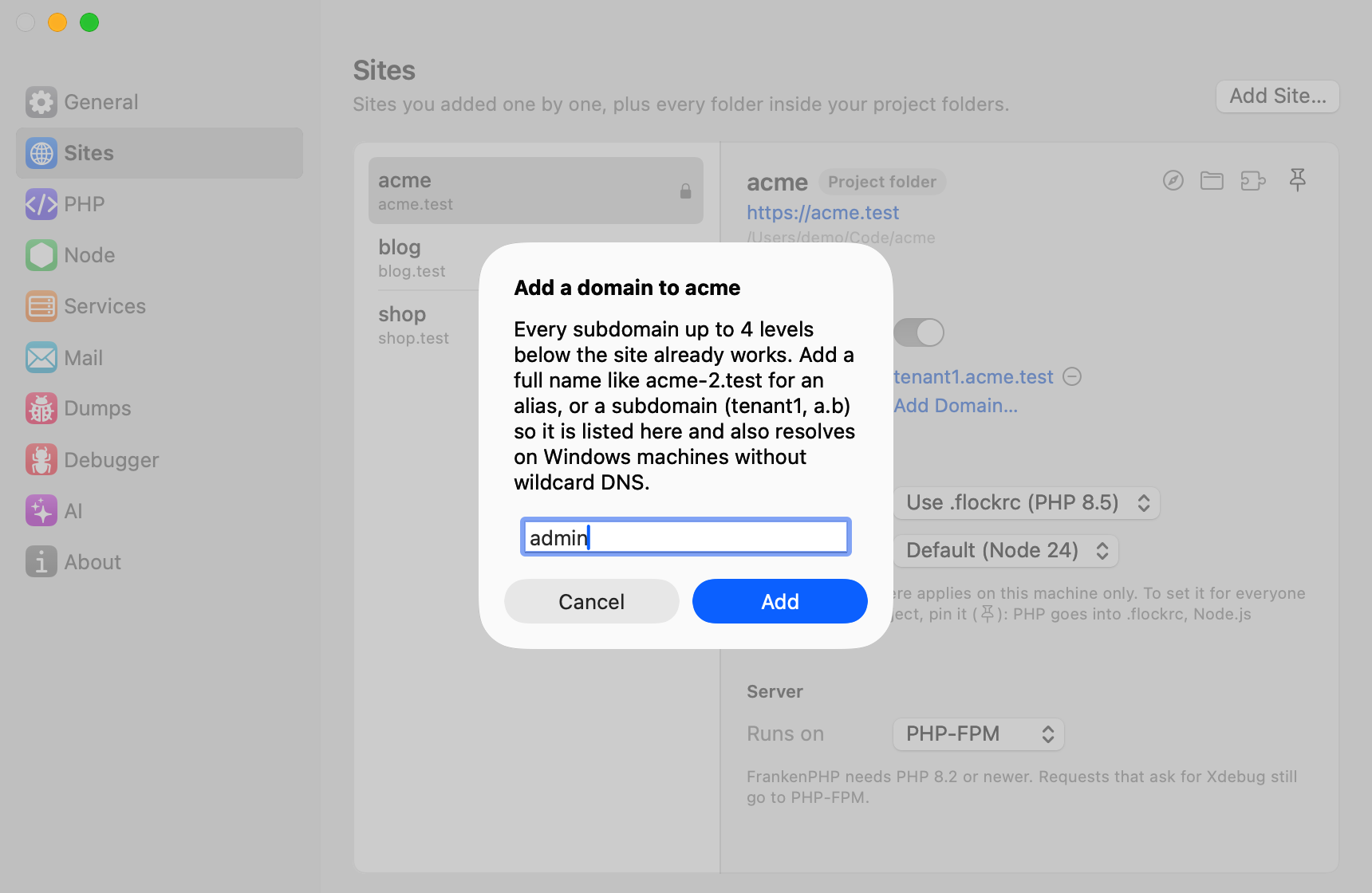
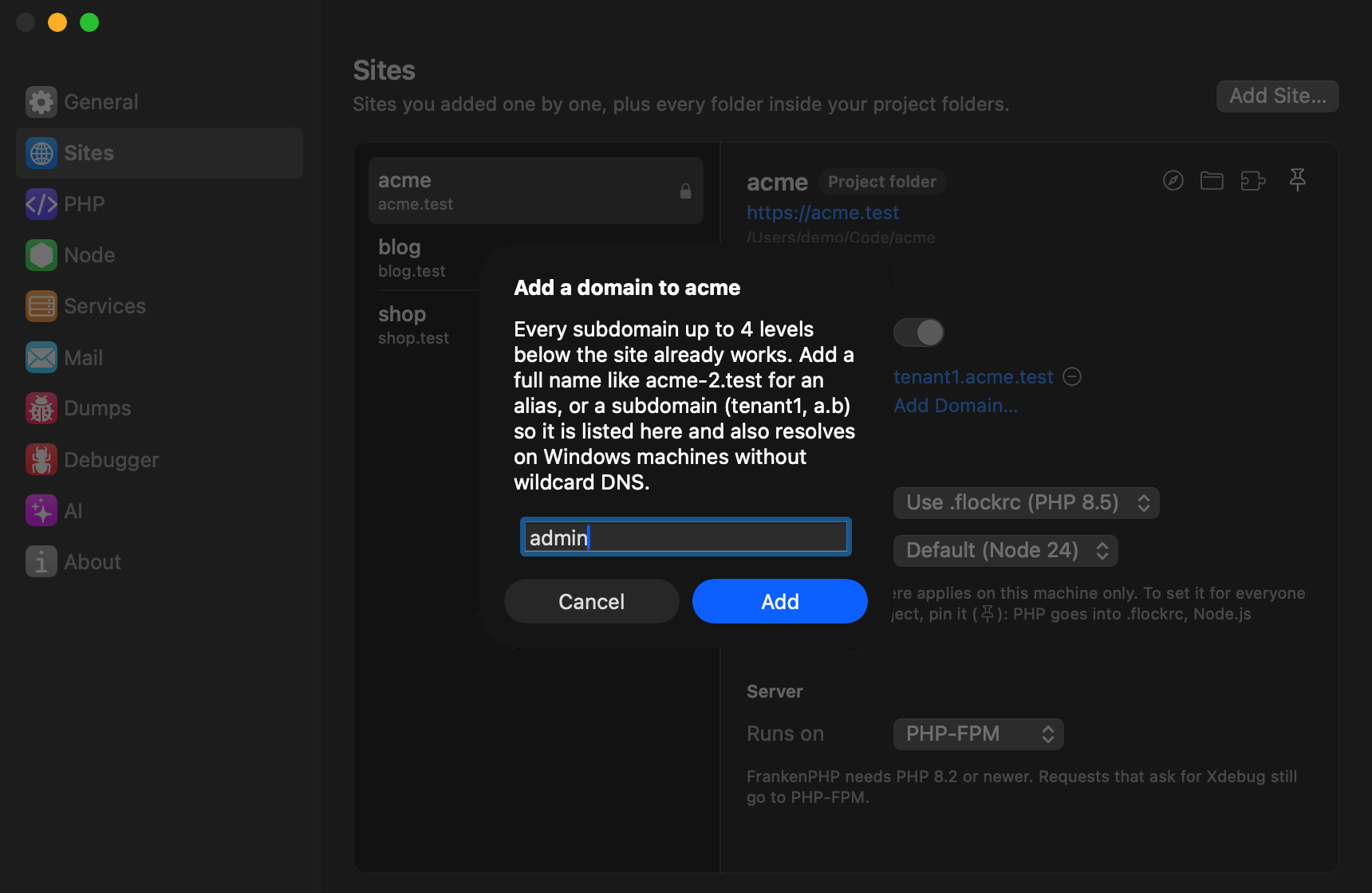
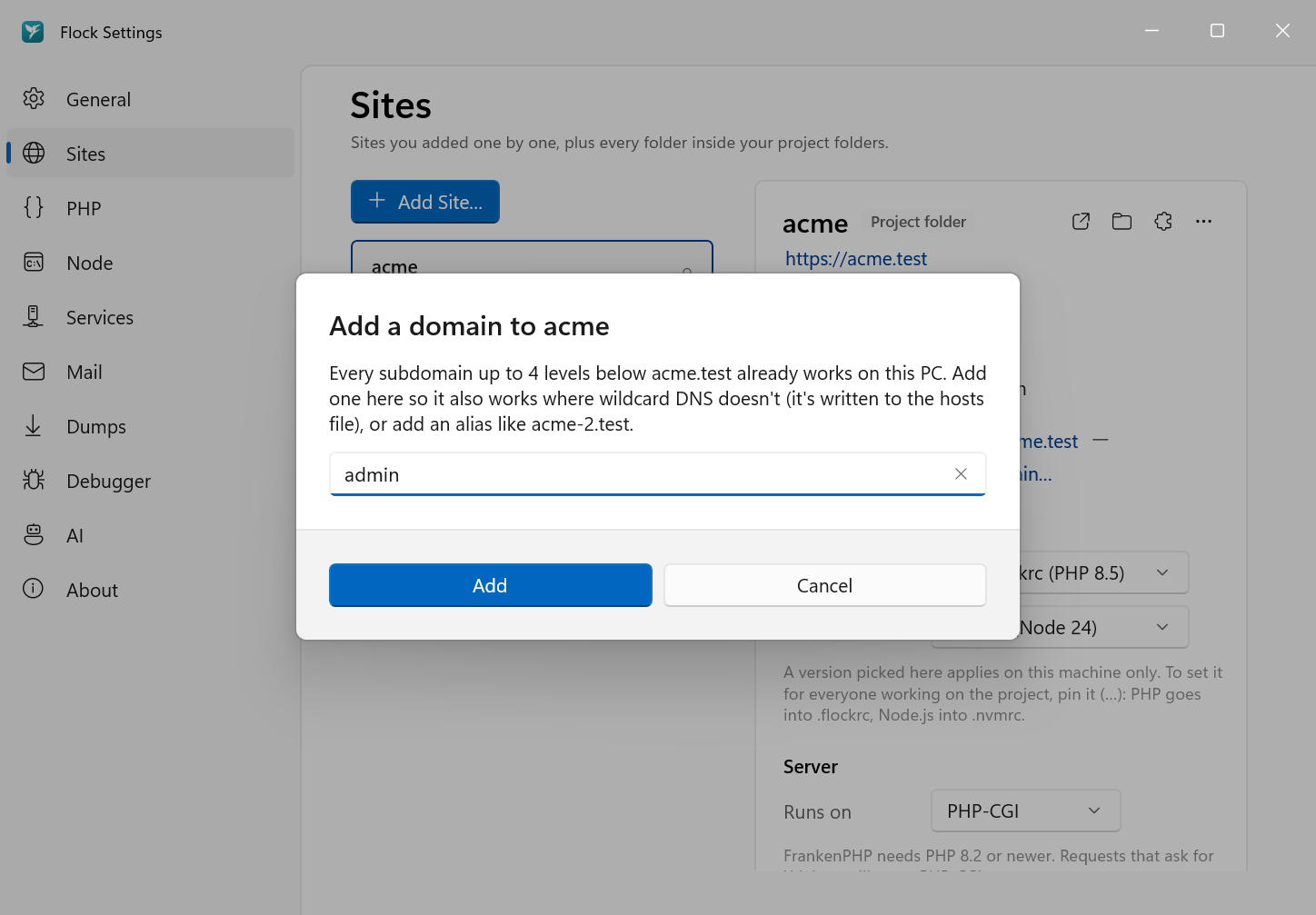
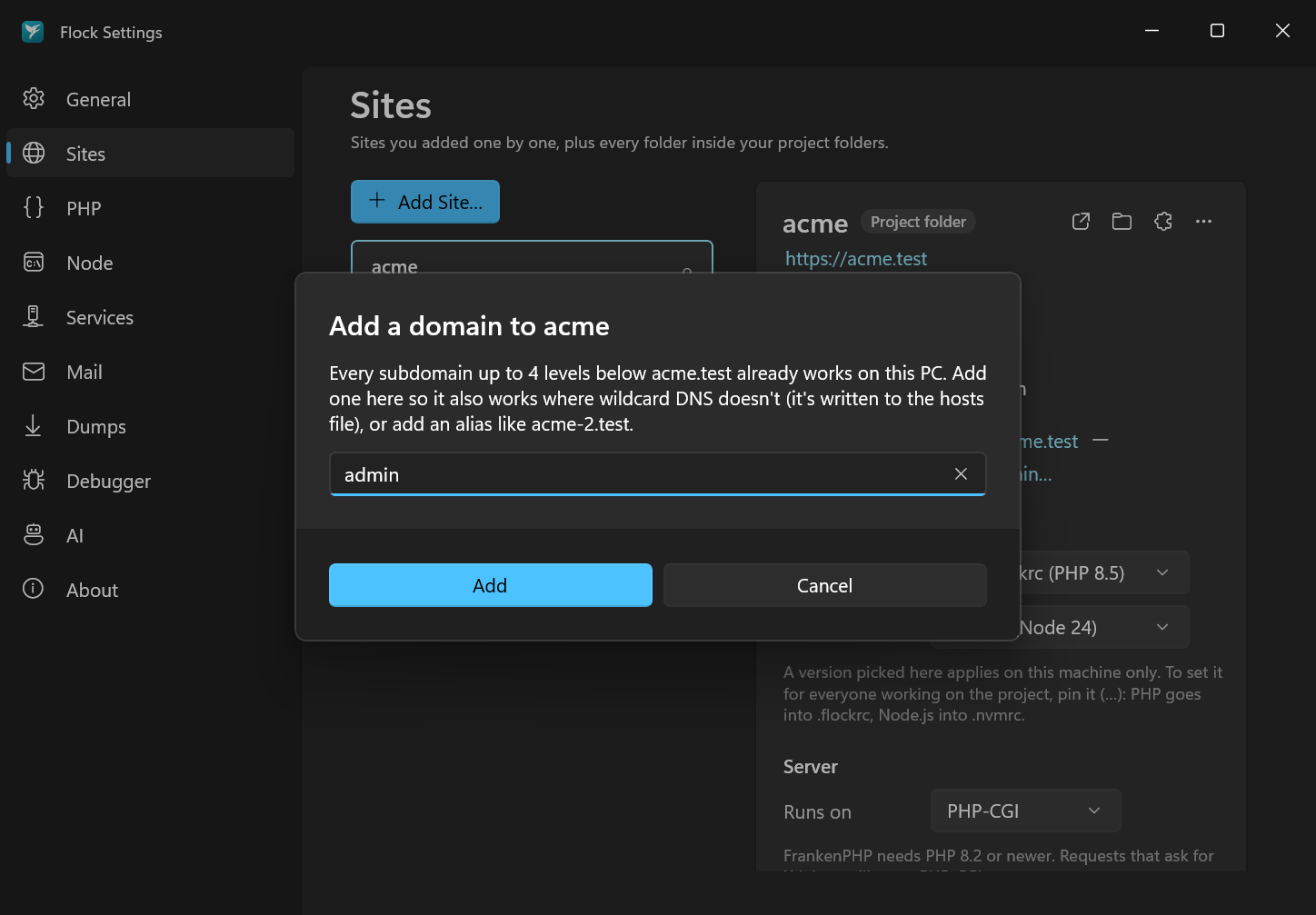
Extra domains are listed under the site's name. To remove one, choose Remove acme-admin.test… from the same menu.
# Run inside the project, or pass the site name as the second argument
flock domain add tenant1          # tenant1.acme.test
flock domain add acme-admin.test  # a completely separate alias
flock domain list
flock domain remove acme-admin.test
How .test resolution works
Flock runs its own small DNS server, so new sites resolve instantly without changing your hosts file:
- macOS:
/etc/resolver/testsends.testlookups to Flock's DNS server on port 53535. Because the port is unprivileged, the DNS server doesn't need root. - Windows: a name-resolution policy rule sends
*.testto Flock. A small helper service also writes your sites into a# BEGIN Flockblock in the hosts file as a fallback.
Flock checks every minute that resolution still works. The Services section of the Flock panel shows it with the other services.
Flock checks every minute that resolution still works, and flock status reports it.
Changing the TLD
.test is the default and is reserved for exactly this purpose. Changing it means setting Flock up again with flock install, so it's only available from the CLI.
Settings → General shows the current domain under Network.