

PostgreSQL
Flock runs PostgreSQL natively, from builds made for Flock. You can install several major versions, each with its own databases, and switch which one is active.
Installing
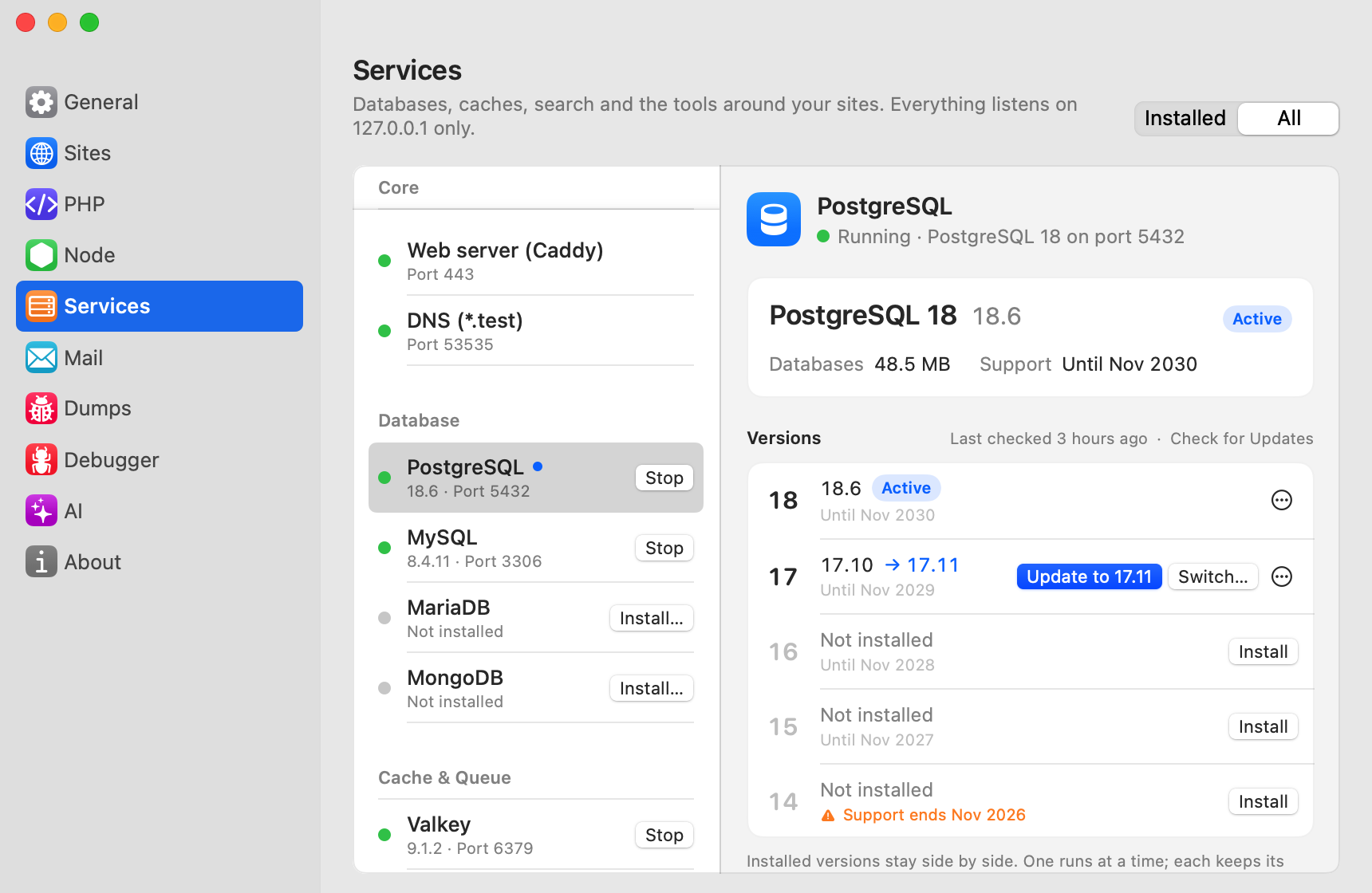
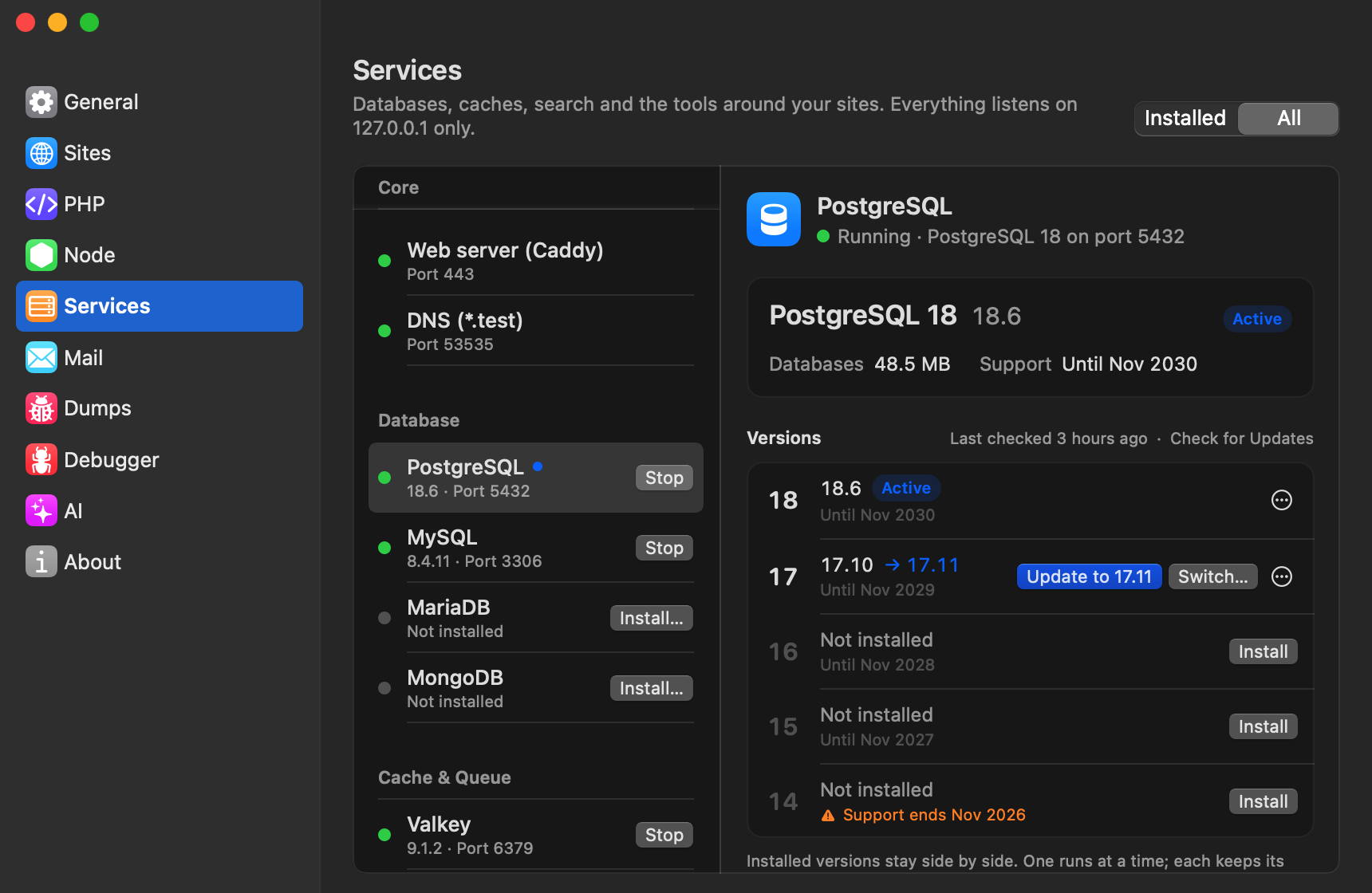
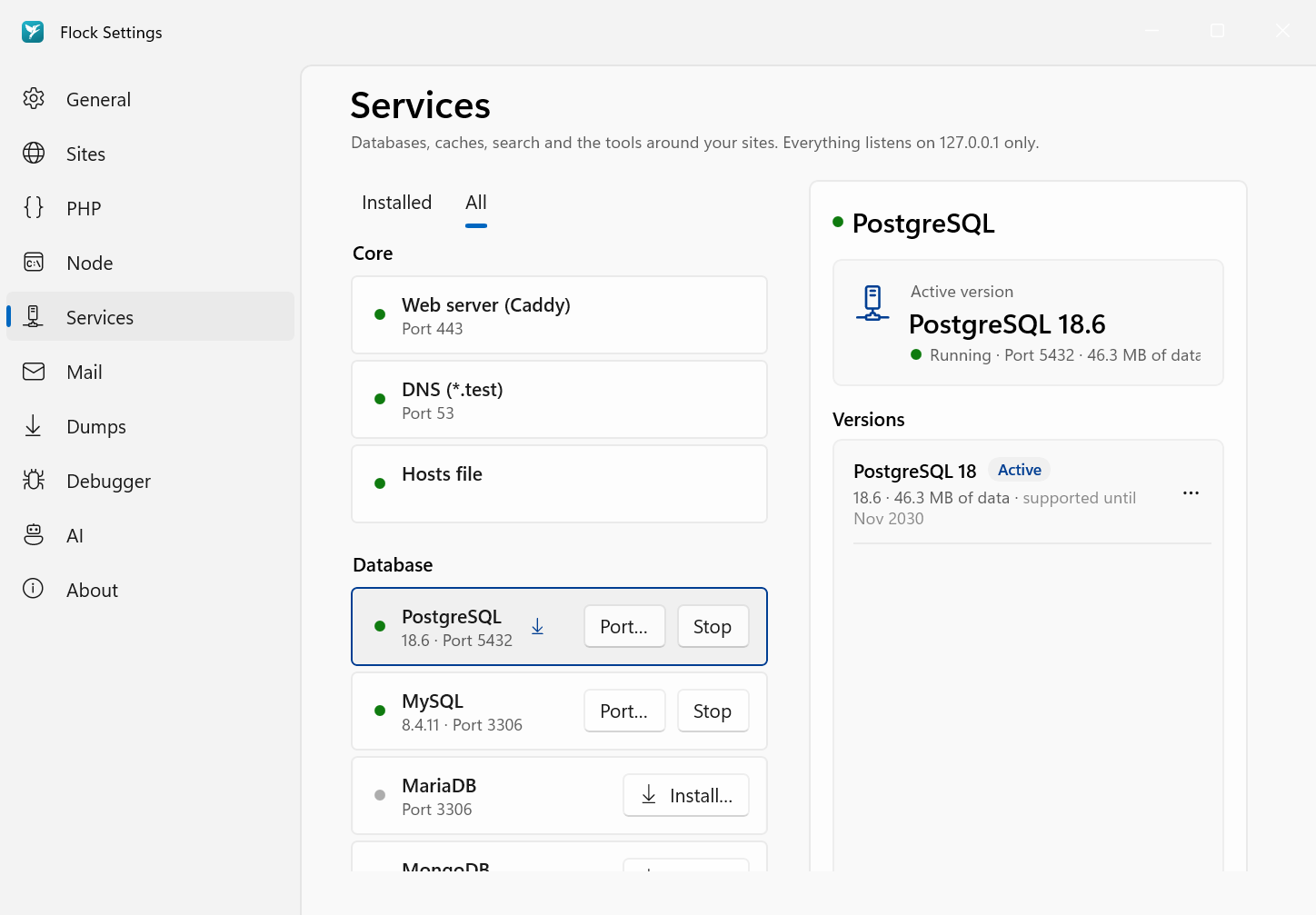
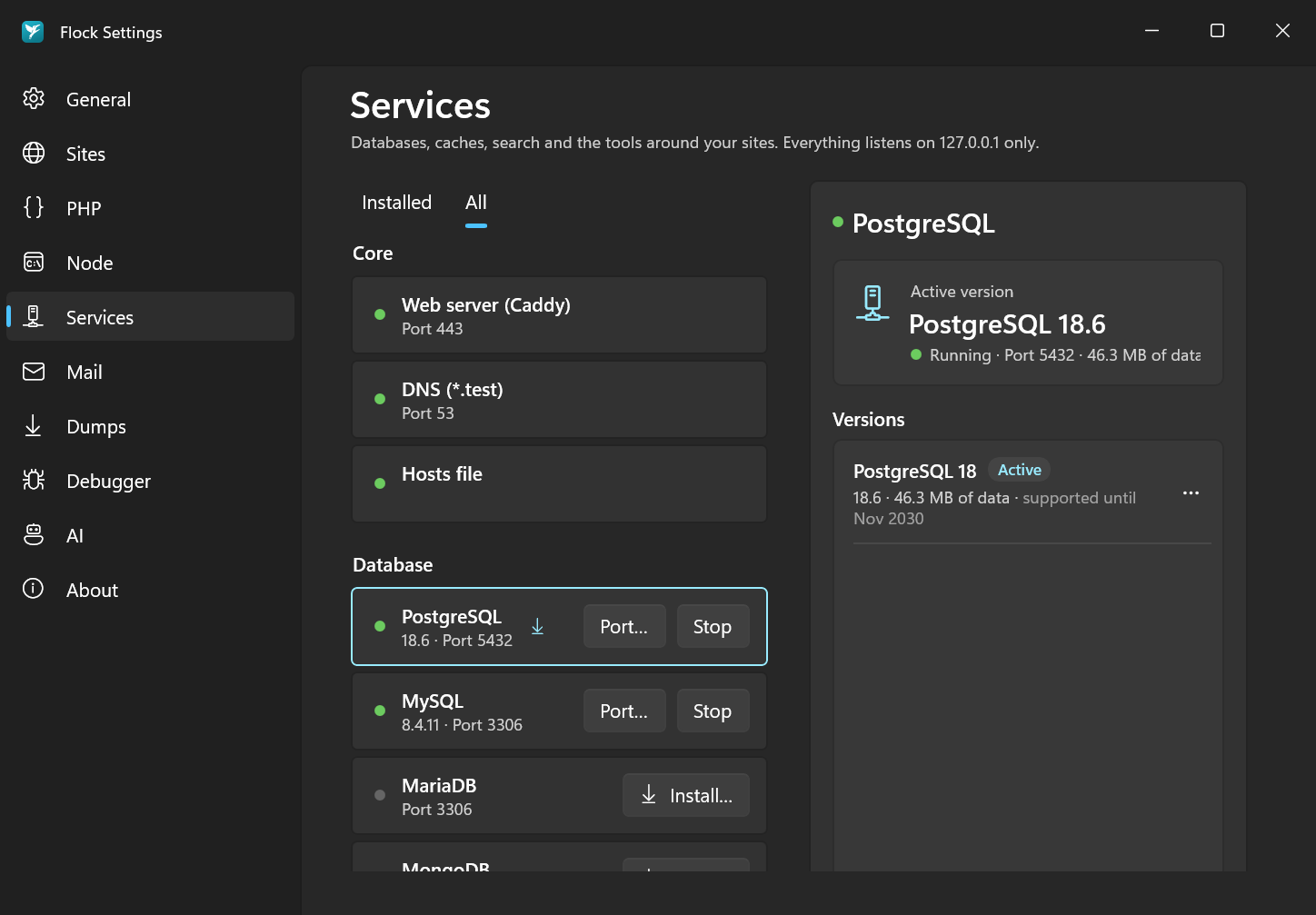
Open Settings… from the Flock panel, go to Services, switch the filter to All and select PostgreSQL. Click Install PostgreSQL 18, or pick another major version from Other Versions (macOS) or Another version (Windows).
flock services install postgres        # PostgreSQL 18
flock services install postgres 16     # a specific major
flock services list postgres
PostgreSQL listens on 127.0.0.1:5432 as user postgres, without a password.
DB_CONNECTION=pgsql
DB_HOST=127.0.0.1
DB_PORT=5432
DB_DATABASE=laravel
DB_USERNAME=postgres
DB_PASSWORD=
Creating databases
Creating a database isn't in the app yet. Use the CLI command below, your database client, or let php artisan migrate create the database when it asks.
flock services create-db postgres acme acme_testing
Switching versions
Only one major version runs at a time. Each version keeps its own data directory, so switching back brings back your databases.
In the PostgreSQL detail, click Switch to 17 next to the version you want and confirm with Switch. The card at the top shows the Active version and the size of its databases.
flock services use postgres 17
Updating and removing
Click Update to … next to a version to get its newest minor release (or a new build of the one you have), and Check for Updates to look for new ones. A build that turns out to be broken is replaced by a fixed one automatically, and your databases stay. To remove a version, open its ⋯ menu and choose Uninstall…. Tick Also delete its databases to remove its data as well.
flock services update postgres 18      # newest 18.x
flock services uninstall postgres 16   # keeps the data
flock services uninstall postgres 16 --delete-data
Client tools
psql, pg_dump, pg_restore, pg_dumpall, createdb and dropdb come with PostgreSQL. They're on your PATH and connect to Flock's server by default (PGHOST, PGPORT and PGUSER still win when you set them).
With several versions installed, the tools of the newest one are used: pg_dump has to be at least as new as the server it dumps, so those work with every version and with remote servers.
When no PostgreSQL is installed yet, running psql in a terminal offers to install PostgreSQL 18 and start it.