

Per-project versions
Different projects often need different PHP and Node versions. Flock decides which version to use for each site, both in the browser and when you run php, composer, node or npm in a terminal inside the project.
How the version is chosen
For each project, Flock goes through these sources in order and uses the first one that sets a version:
- Isolated: chosen for the site on this machine only.
- Pinned: written to
.flockrcin the project and shared with your team. - Default: the version you made the default for PHP or Node.
For Node, .nvmrc and .node-version also count as pinned. A node= line in .flockrc takes precedence over them.
Pinning: share versions with your team
The PHP version goes into a .flockrc file in the project root. The Node version goes into the file the project already uses for Node (.flockrc, .node-version or .nvmrc). If there isn't one, Flock creates an .nvmrc, which other Node tools read too.
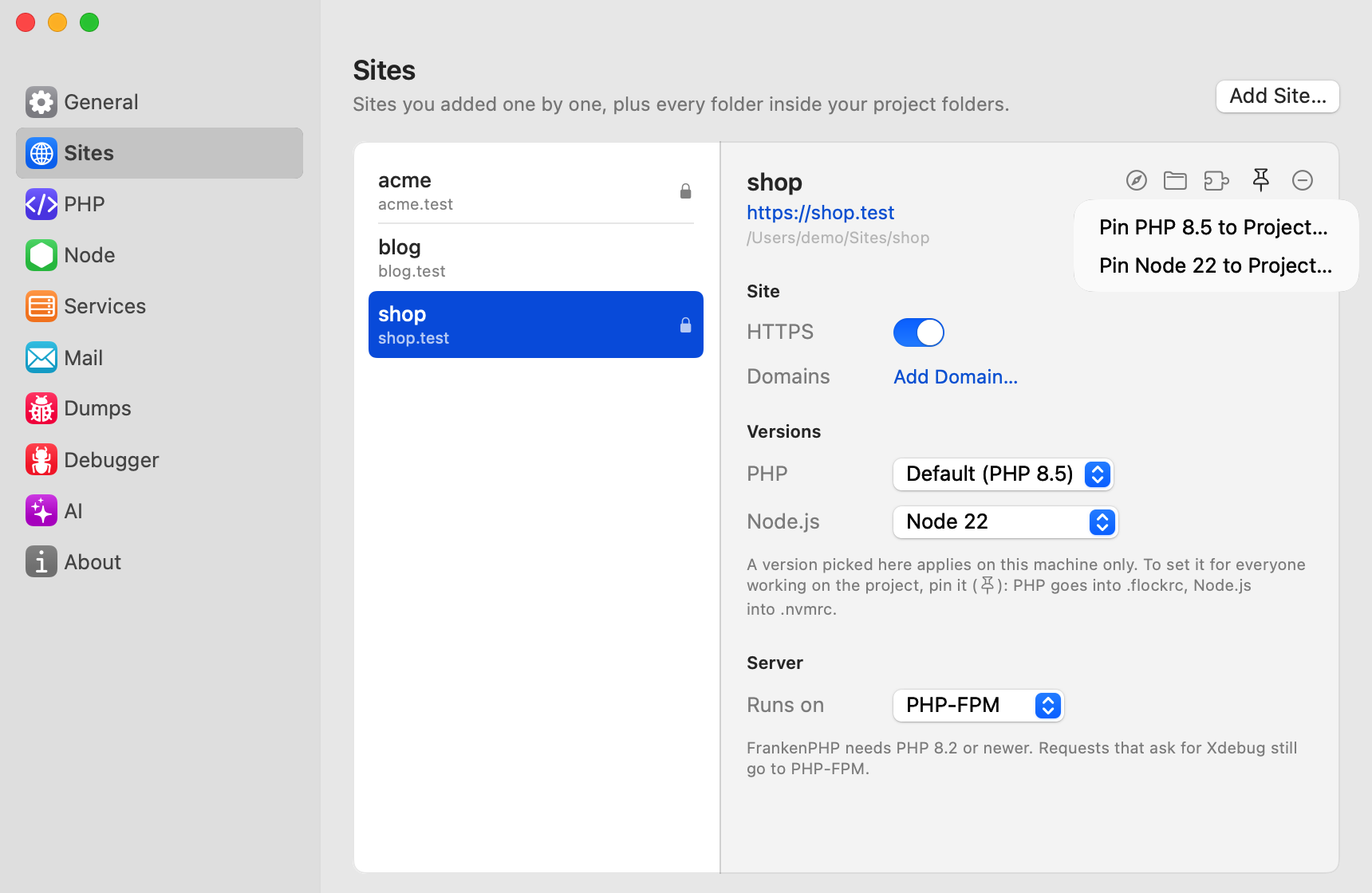
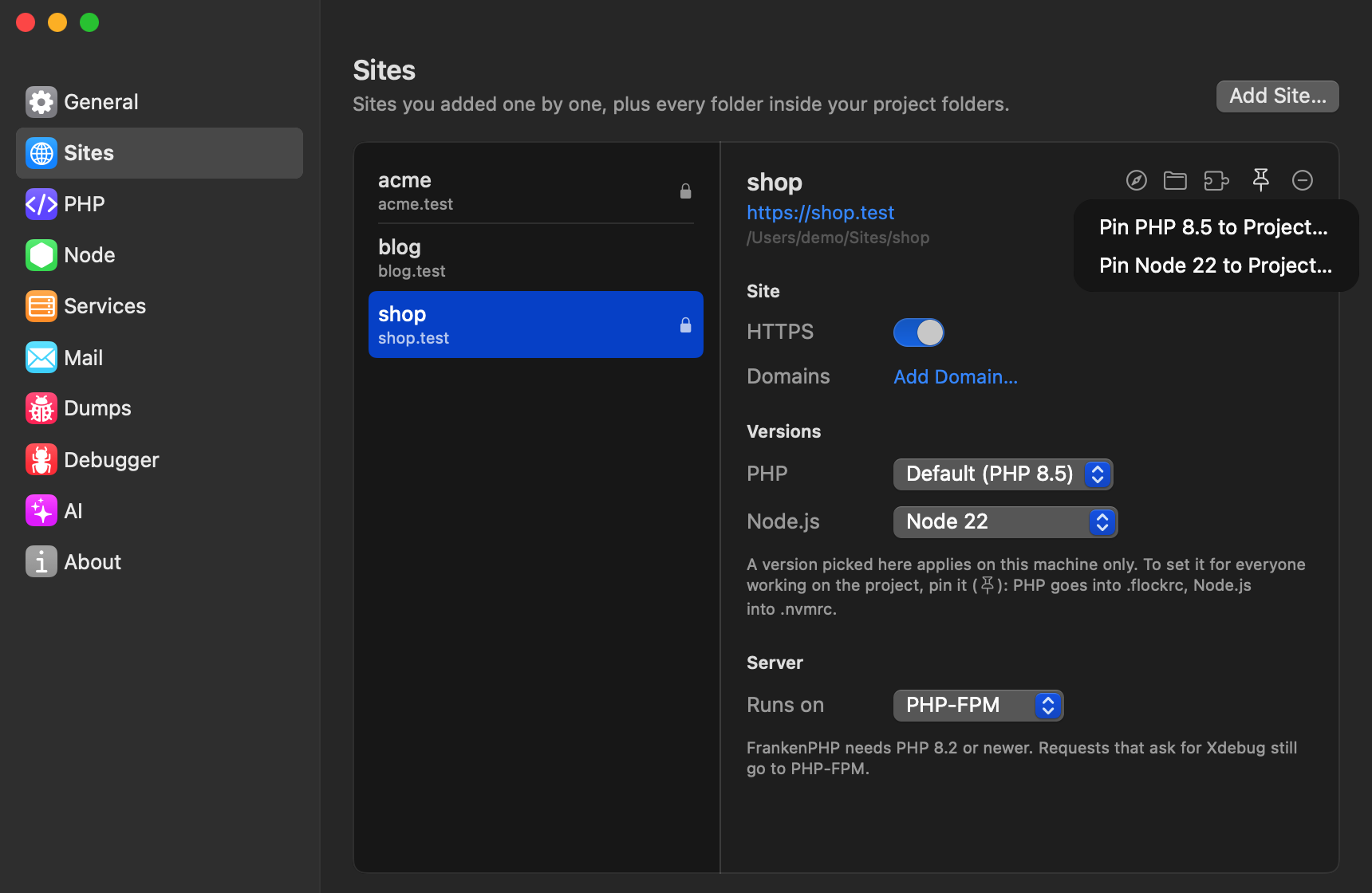
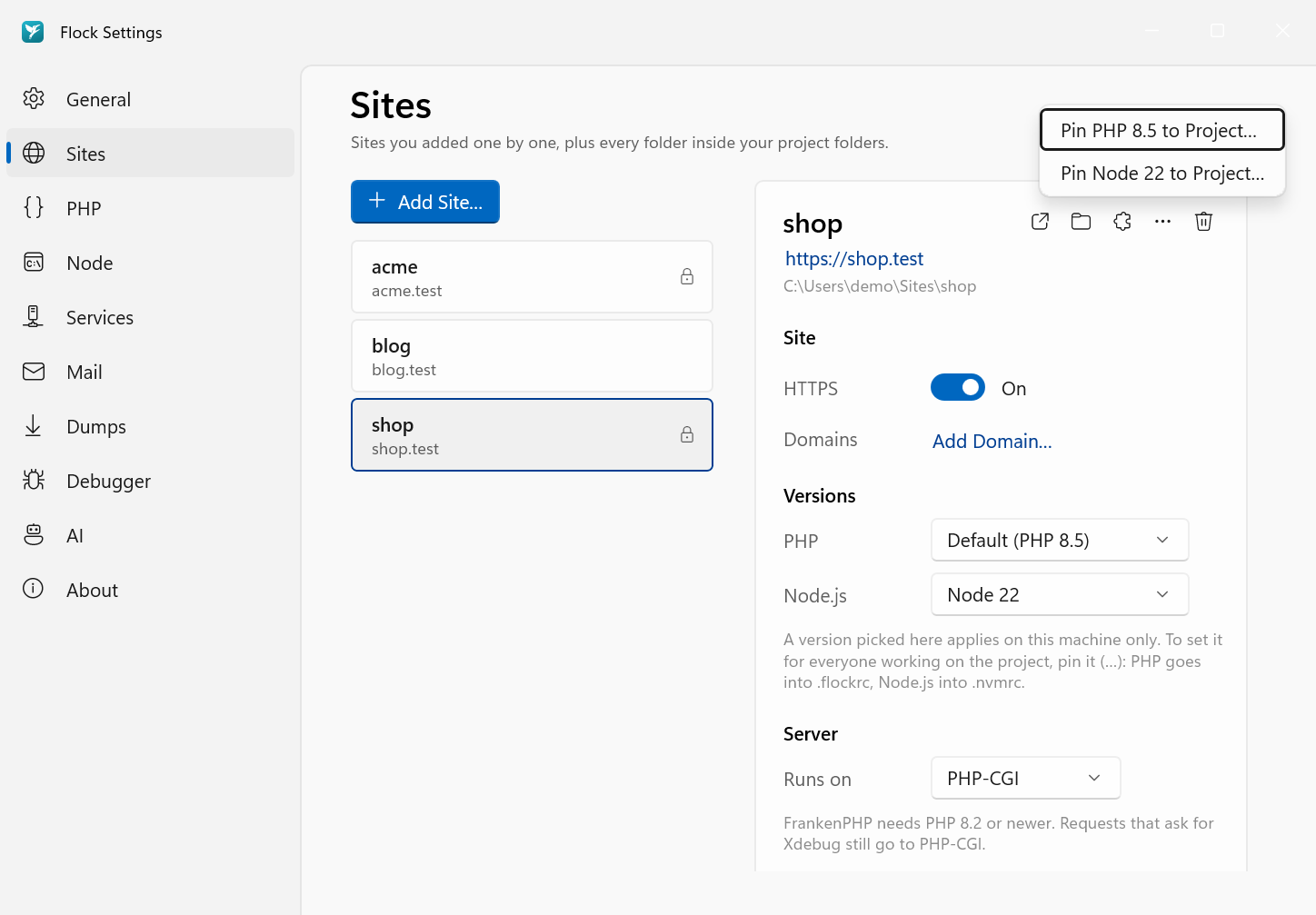
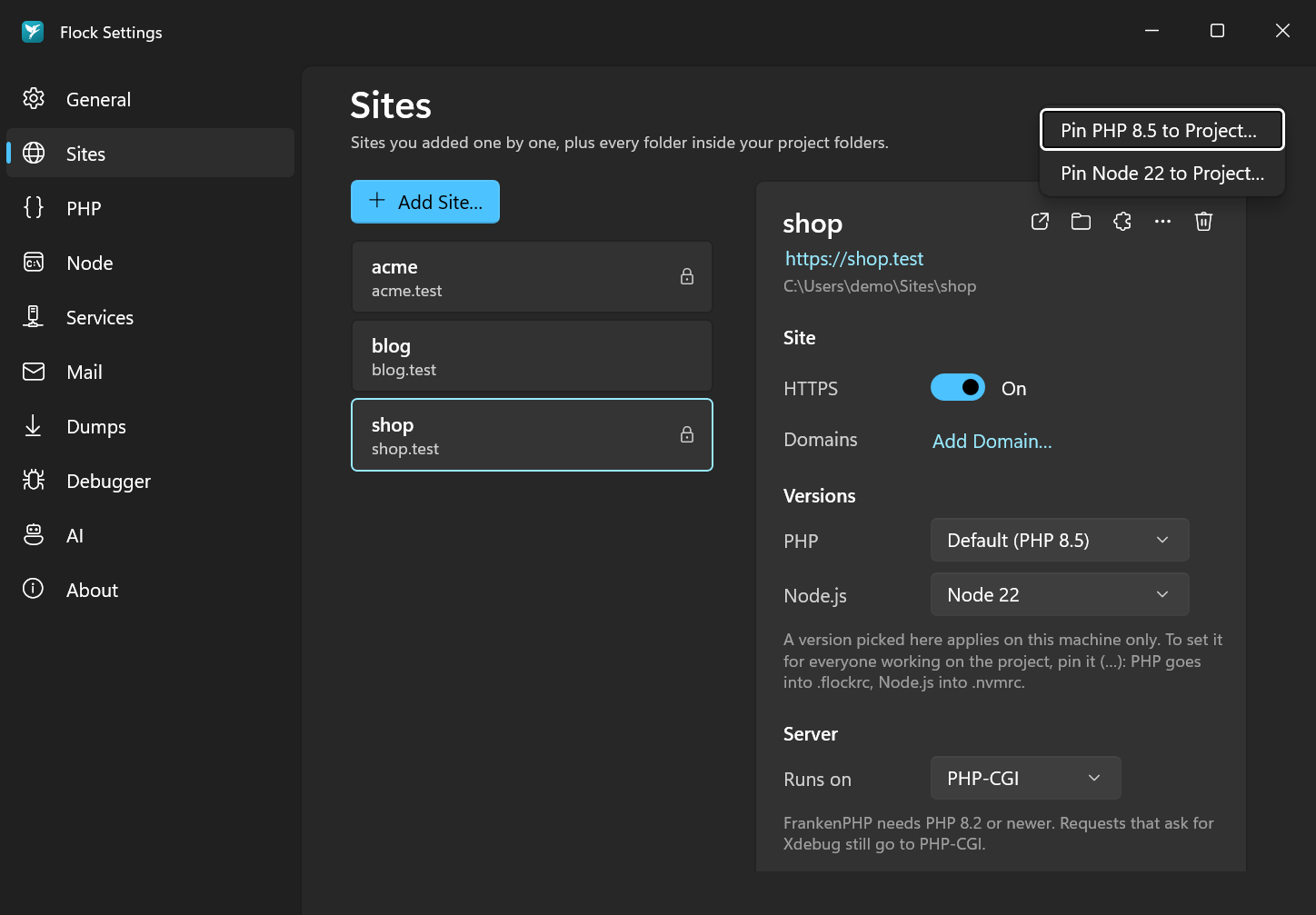
In Settings → Sites, click the pin icon in the site's row (macOS) or open its … menu (Windows), and choose Pin PHP 8.5 to Project… or Pin Node 22 to Project…. This pins the version the site uses right now. To remove a pin, choose Unpin PHP (.flockrc)… or Unpin Node (.nvmrc)… from the same menu.
flock pin php 8.5
flock pin node 22
flock pin php without a version pins the version the project currently uses. Remove a pin with flock unpin php.
# .flockrc
php=8.5
Commit these files, and everyone using Flock gets the same versions. Pinning also removes an isolation for that tool, so the project decides from then on.
You can also write .flockrc by hand. It holds key=value lines and # comments:
php=8.4
node=22
.flockrc is looked up from the current directory upwards, like .nvmrc, so it also applies in subfolders.
Isolating: just on your machine
Isolation overrides the pinned version for this site, but only on your machine, and nothing is written into the project. It's useful for trying a project on a newer version before you pin it.
In Settings → Sites, pick a version from the site's PHP or Node menu. To follow the project again, pick the first entry, Use .flockrc (or Default when the project pins nothing). When an isolated version differs from the project's pin, the row shows a hint with a Use .flockrc or Use .nvmrc link that does the same.
flock isolate php 8.4
flock isolate node 20
Undo it with flock unisolate php.
Seeing what's used where
Settings → Sites shows every site's PHP and Node version. Hover over a version to see where it comes from.
flock isolated
This lists every site's PHP and Node version and where each one comes from.
Missing versions
If a project asks for a version that isn't installed, running php or node in it offers to install that version.