

HTTPS
Flock can serve any site over HTTPS with a certificate your browser trusts, so you get no warnings and no --insecure flags.
Securing a site
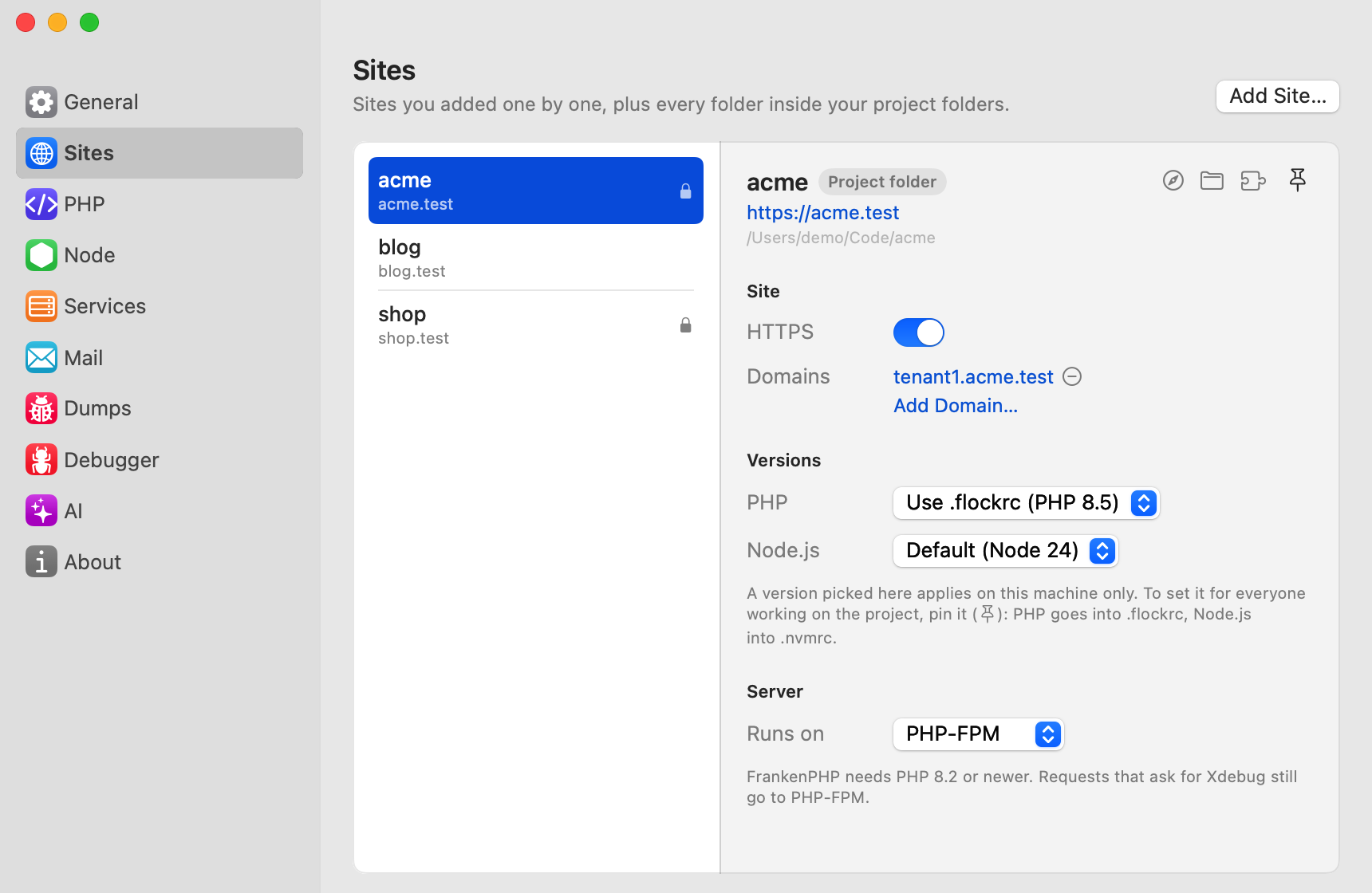
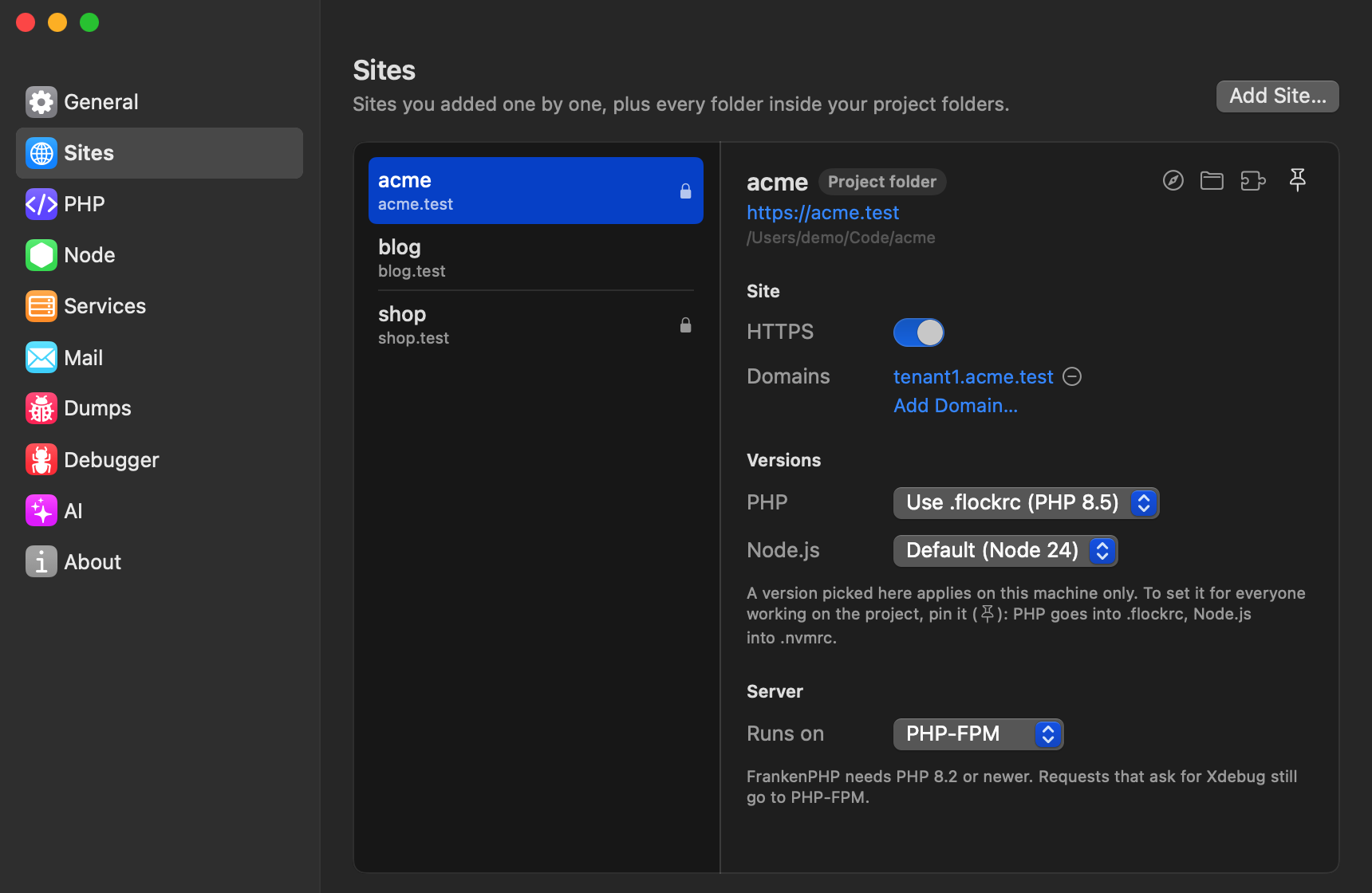
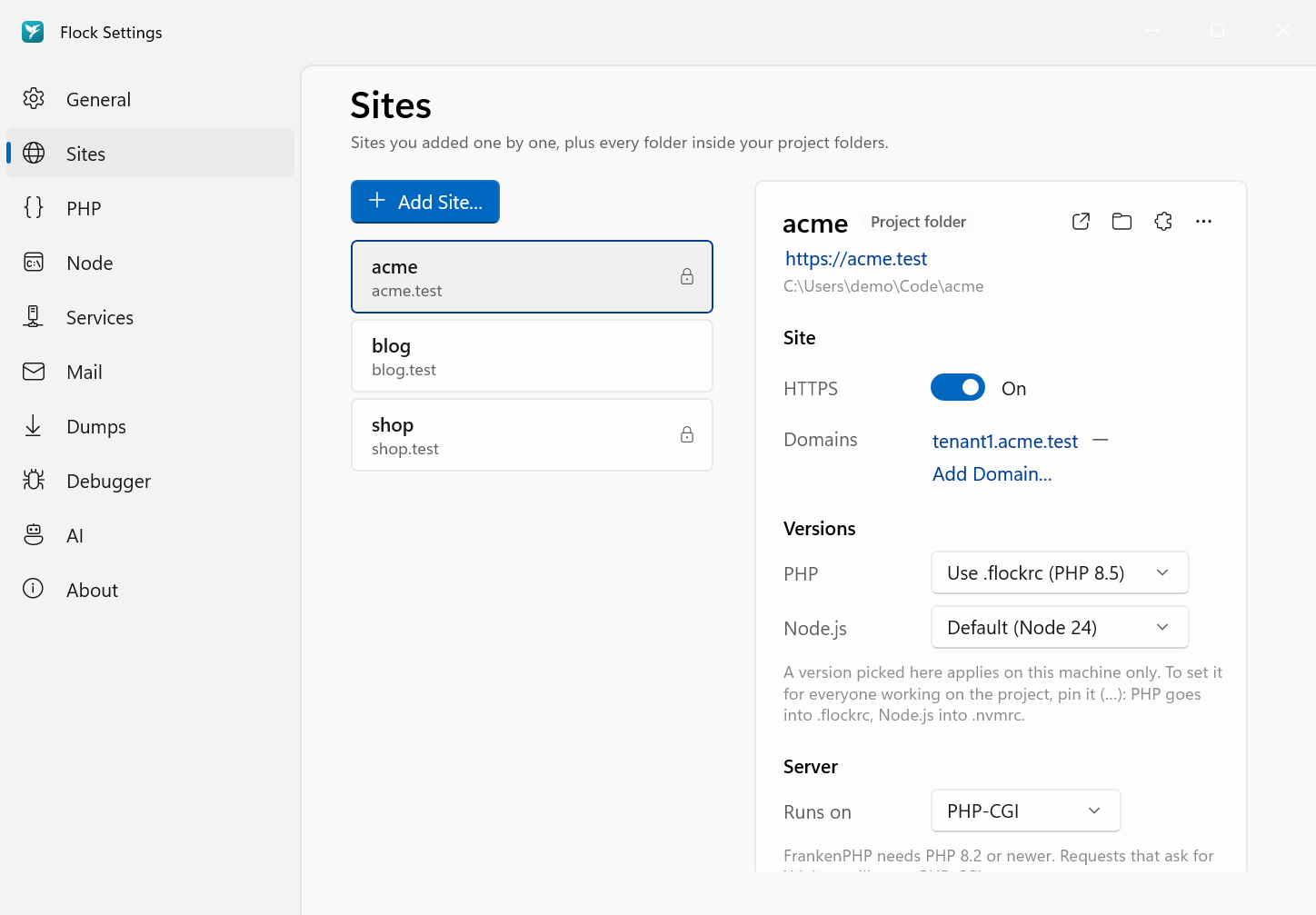
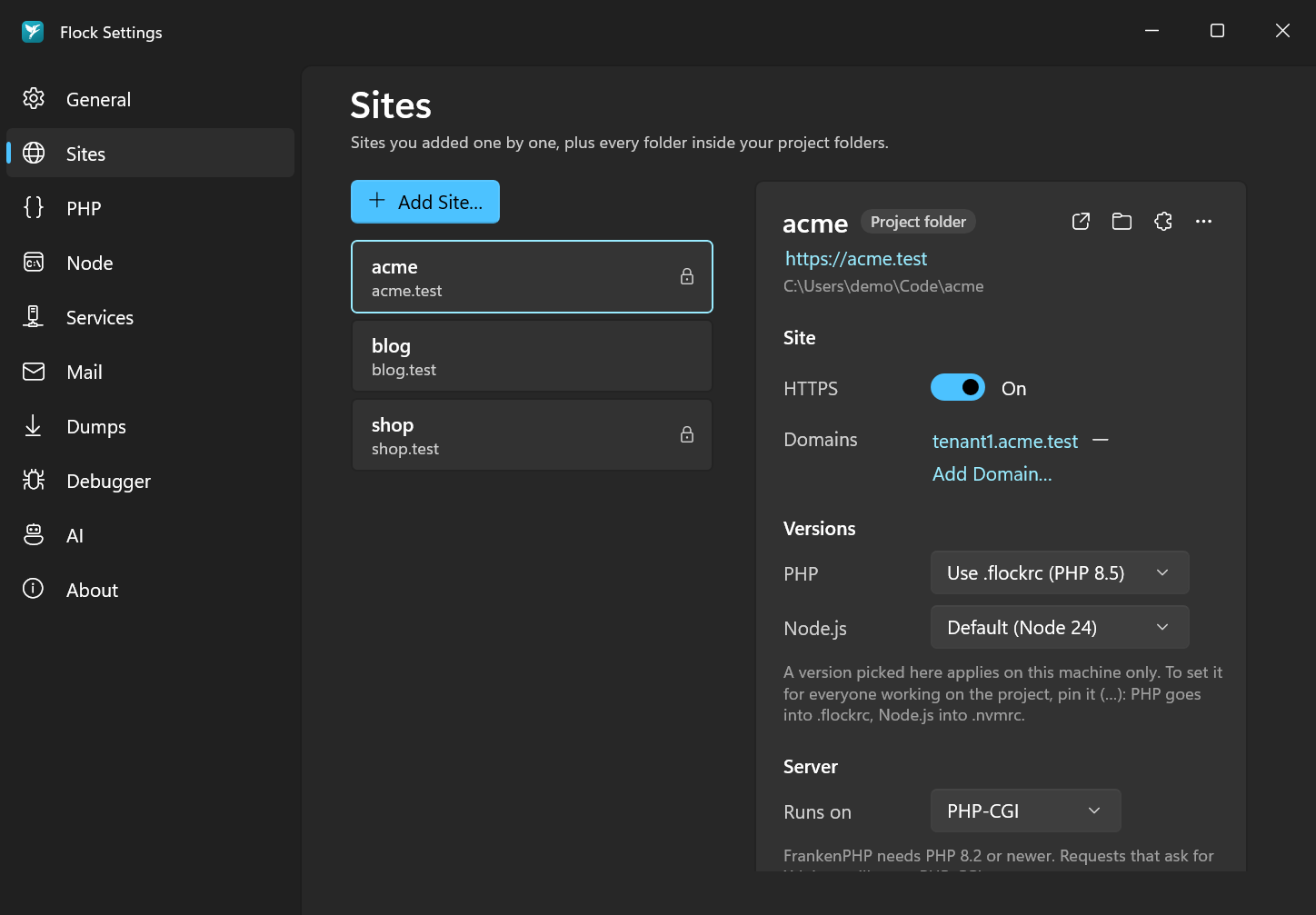
In Settings → Sites, switch on HTTPS in the site's row. Switch it off to go back to plain HTTP. Secured sites show a lock in the Sites section of the Flock panel.
flock secure acme
Run it without a name inside the project folder. To go back to plain HTTP:
flock unsecure acme
You can also secure a site while linking it with flock link --secure.
Remember to update
APP_URLin.envtohttps://…. Flock tells you when it doesn't match.
The local certificate authority
When you install Flock, it creates its own certificate authority (CA) and adds it to your system's trust store: the System keychain on macOS, Trusted Root on Windows.
The CA's root certificate is name-constrained to your local TLD and localhost. Even if its private key ever leaked, it could not be used to issue certificates for real websites.
Each secured site gets a certificate for acme.test and *.acme.test. Certificates for deeper subdomains are issued on demand the first time they're requested.
Outgoing HTTPS from PHP
Flock's php.ini points PHP at a CA bundle that includes Flock's root. So when one local app calls another over HTTPS, for example Http::get('https://api.test'), the certificate is trusted there too.
Node.js and other tools
Browsers and PHP trust the CA automatically. If a Node process needs to call a secured .test site, point it at the root certificate with NODE_EXTRA_CA_CERTS. The certificate is in the certs folder inside Flock's data directory.