

Linking & parking
Flock serves projects in two ways: parked folders, where every subfolder becomes a site, and linked sites, which are single projects.
Parking a folder
Every subdirectory of a parked folder is served as <subdirectory>.test. New projects in that folder are picked up automatically, so ~/Code/blog is http://blog.test as soon as you create it. You can park as many folders as you like.
Open Settings… from the Flock panel and go to General. Under Project folders, click + and choose one or more folders.
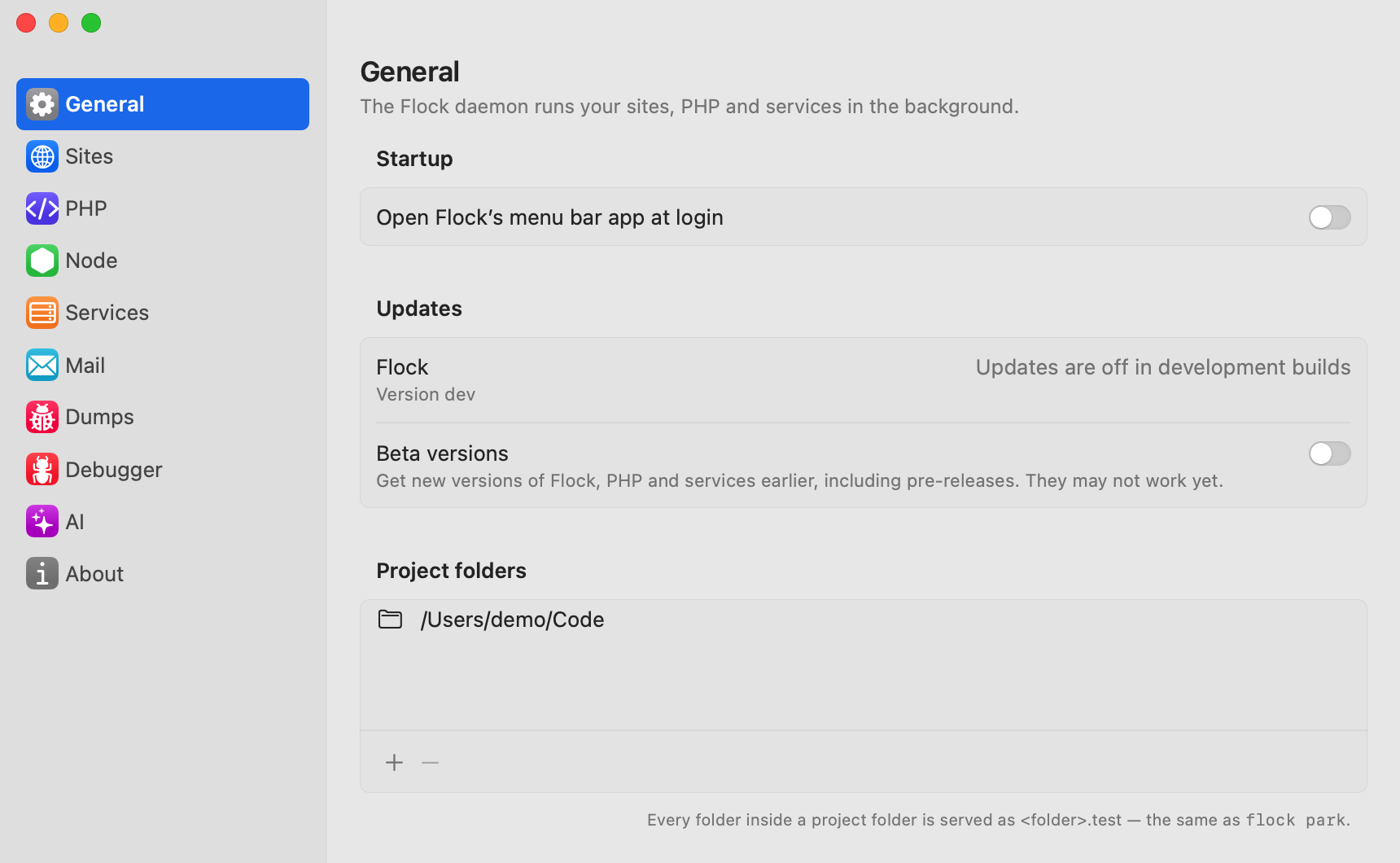
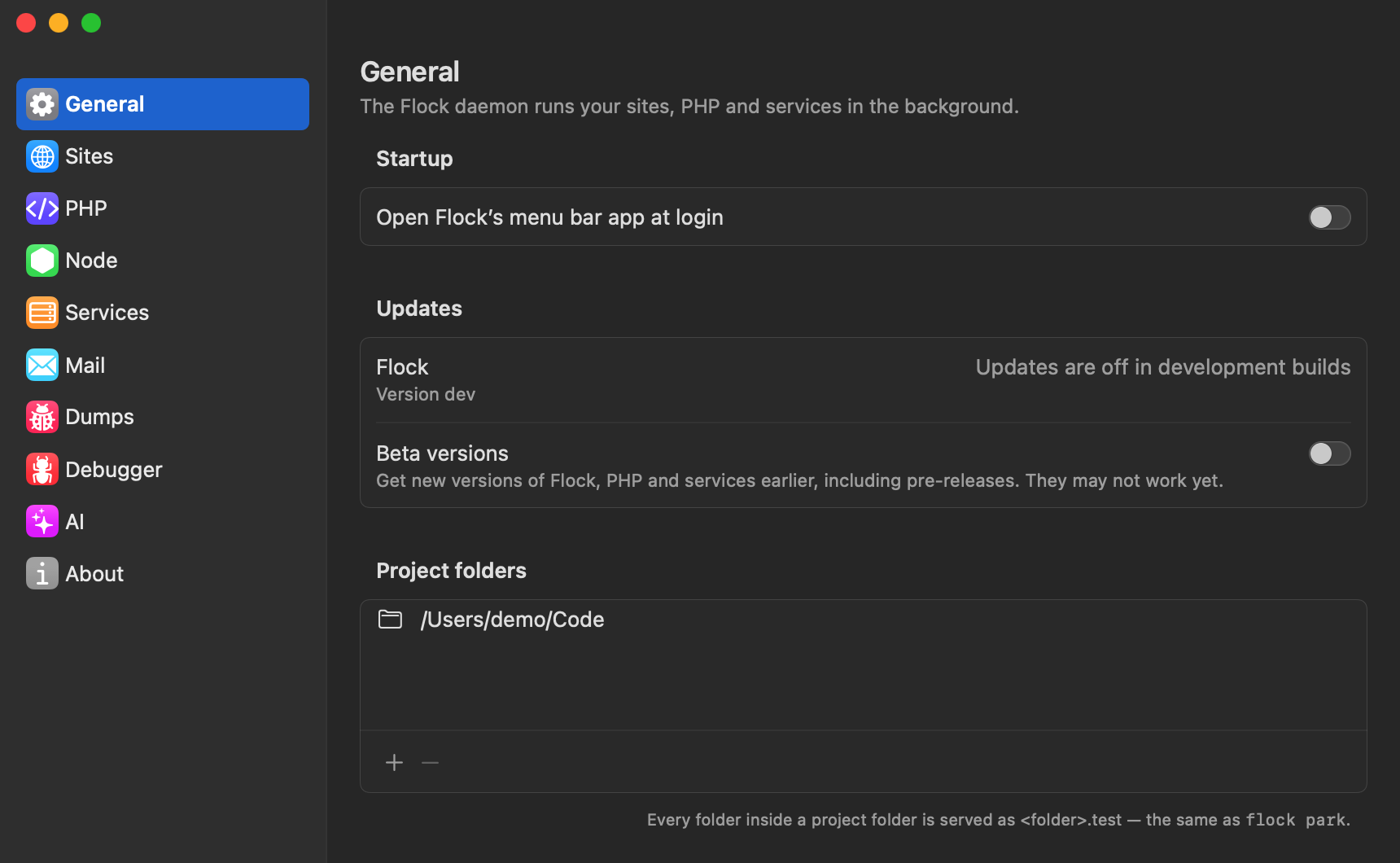
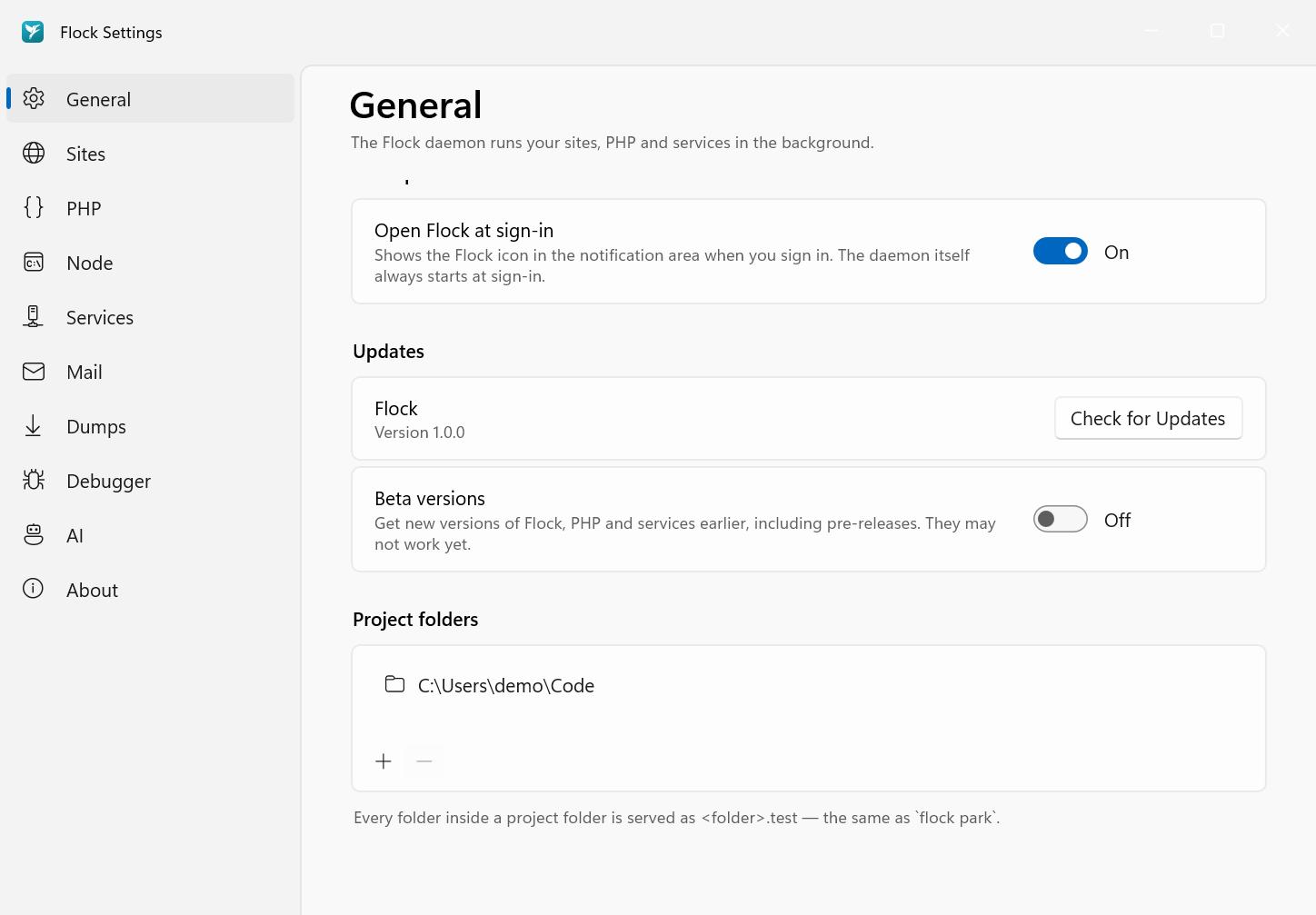
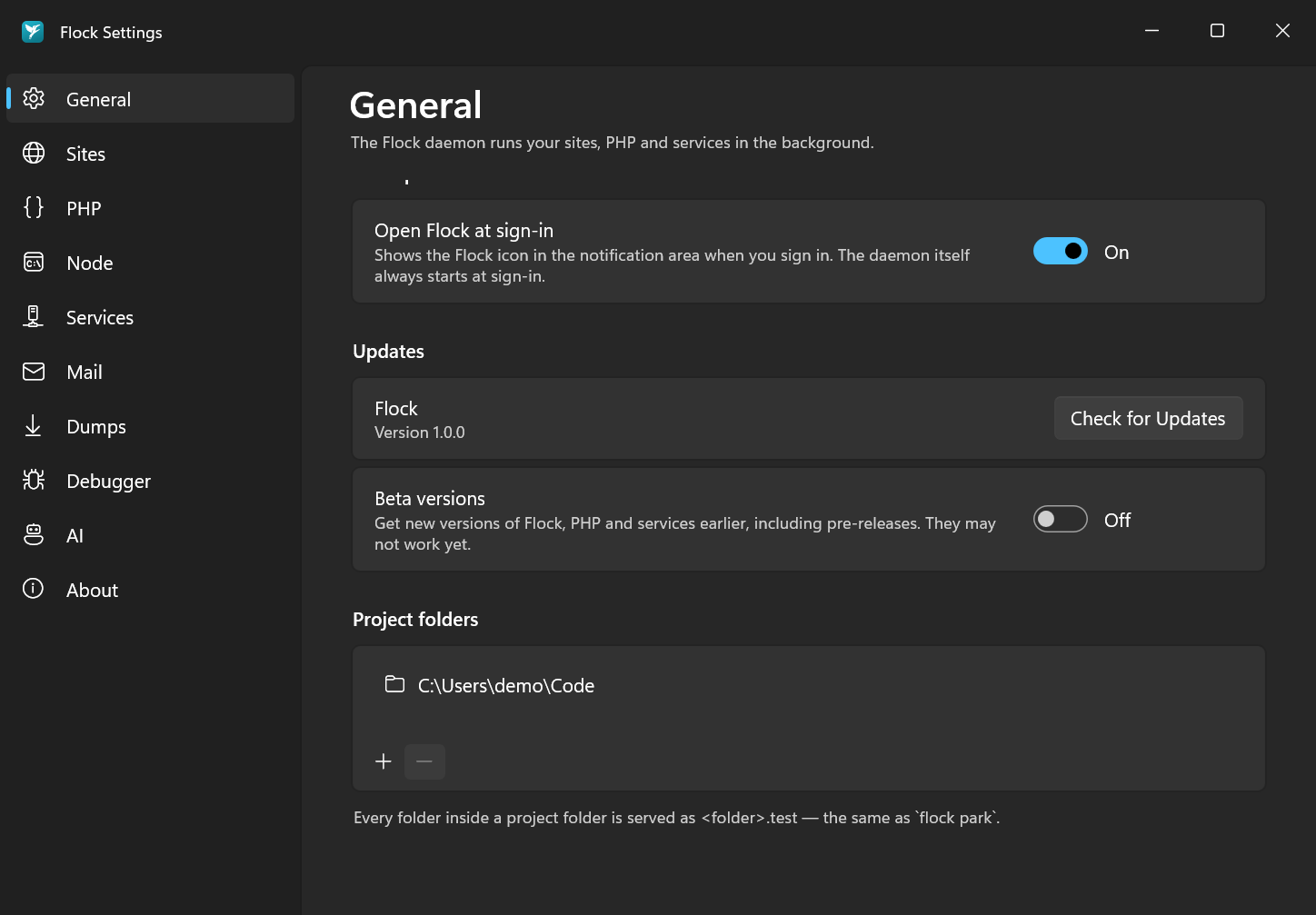
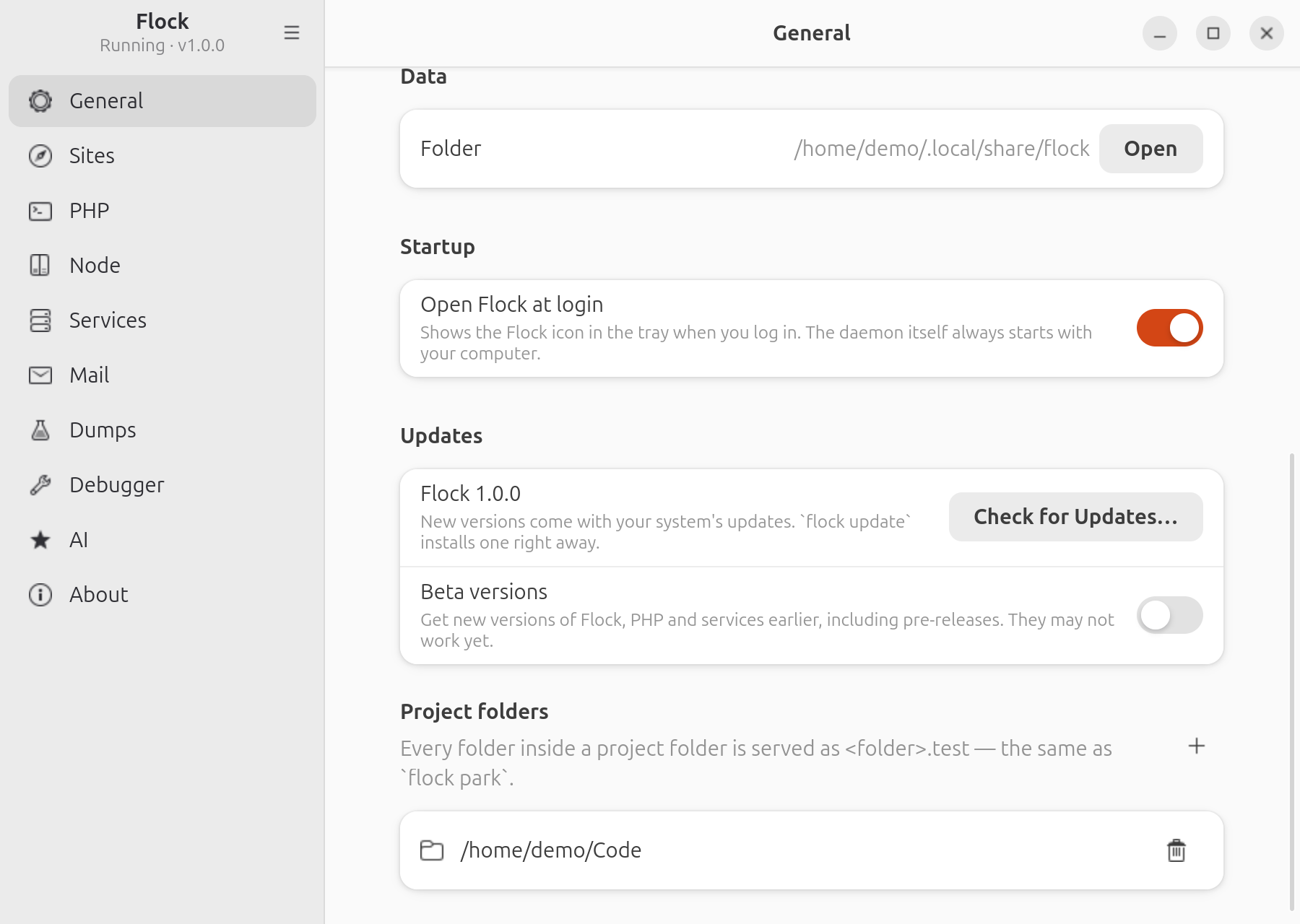
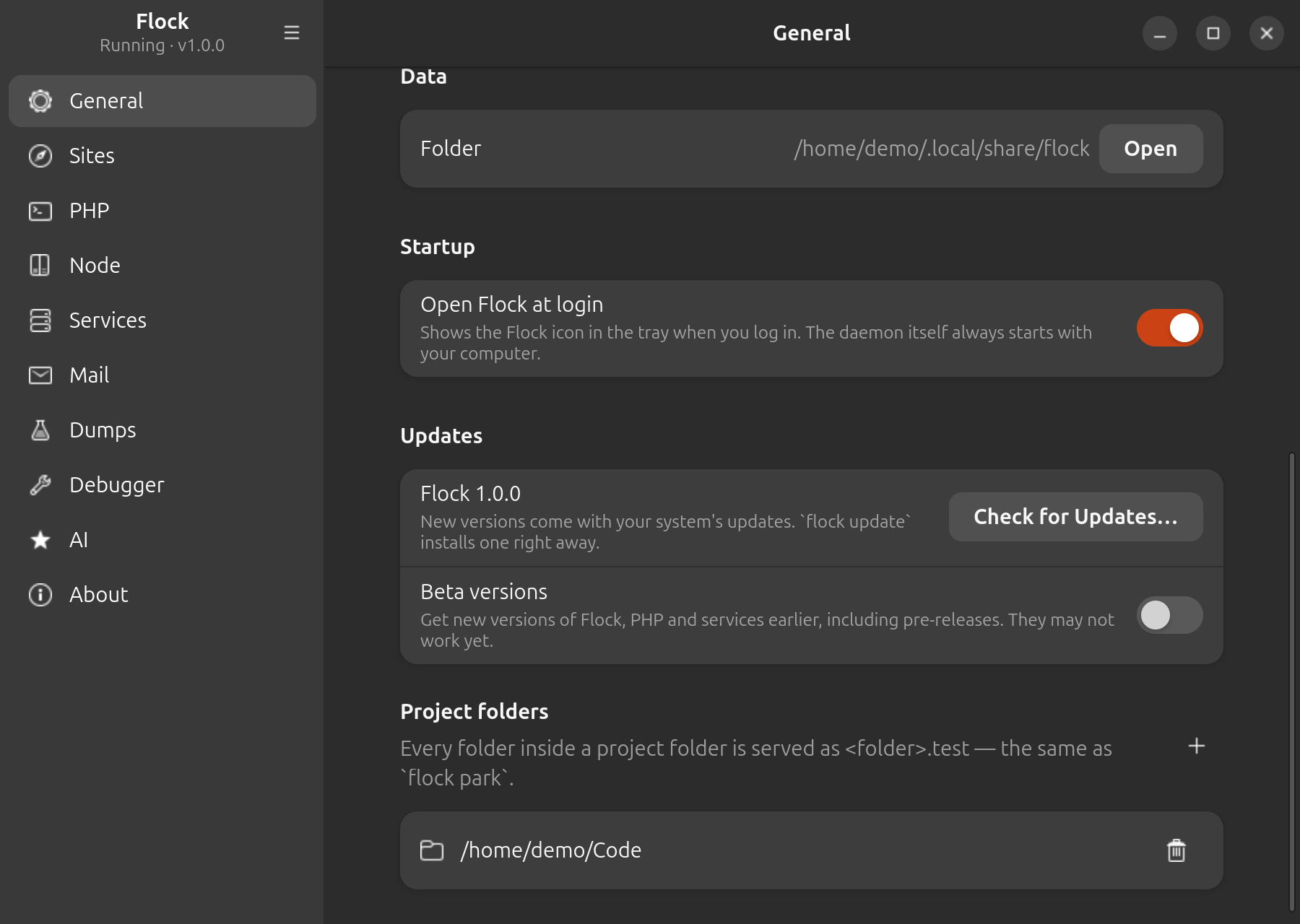
To stop serving a folder, select it, click − and confirm with Remove.
cd ~/Code
flock park
You can pass a path instead of cd-ing into it:
flock park ~/Work
To stop serving a parked folder:
flock unpark ~/Work
Linking a project
A linked site is a single project folder, wherever it lives. The site name defaults to the folder name.
In Settings → Sites, click Add Site… and choose the project folder. Then select the site to set its HTTPS in the Site section and its PHP version under Versions.
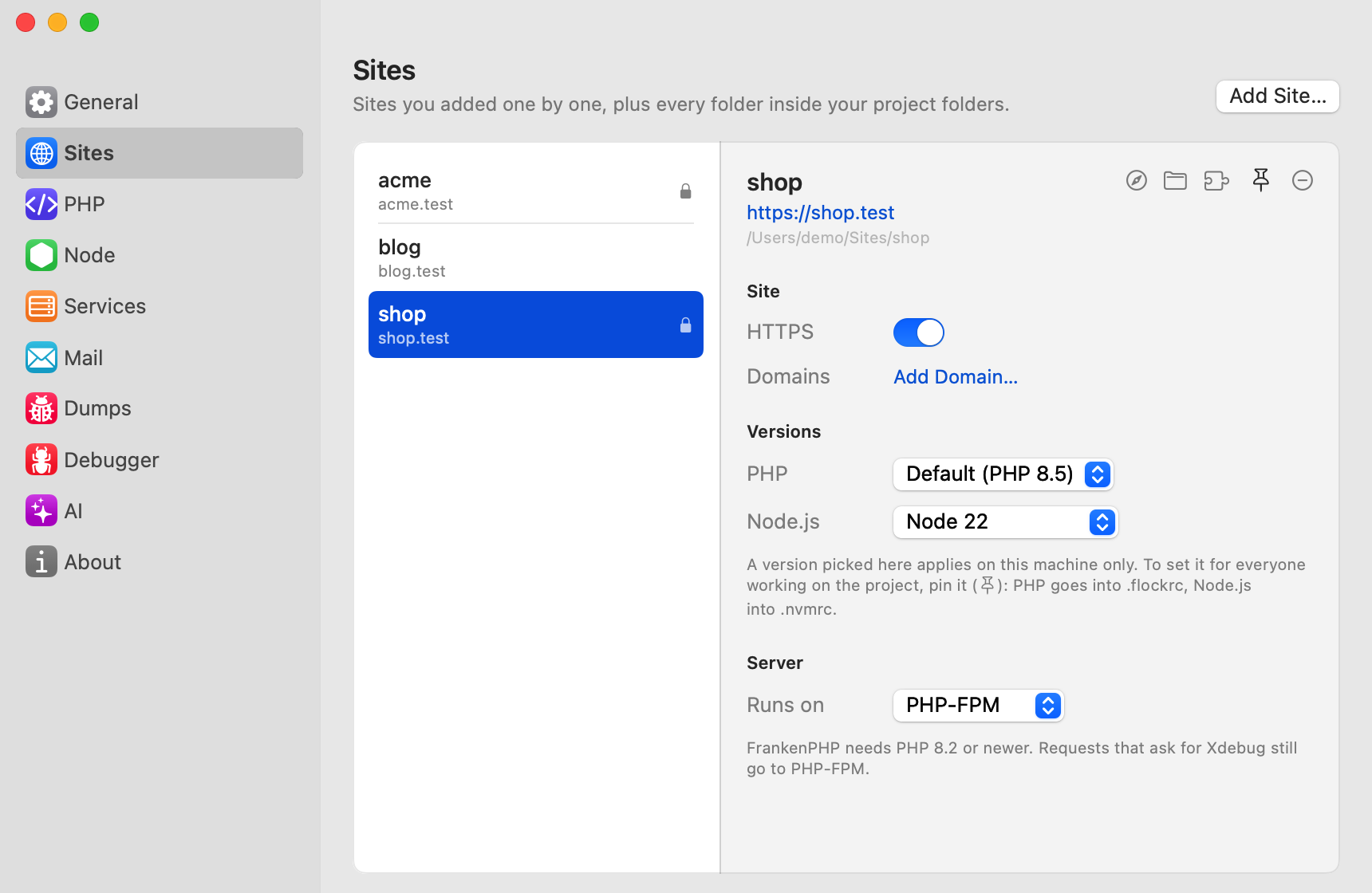
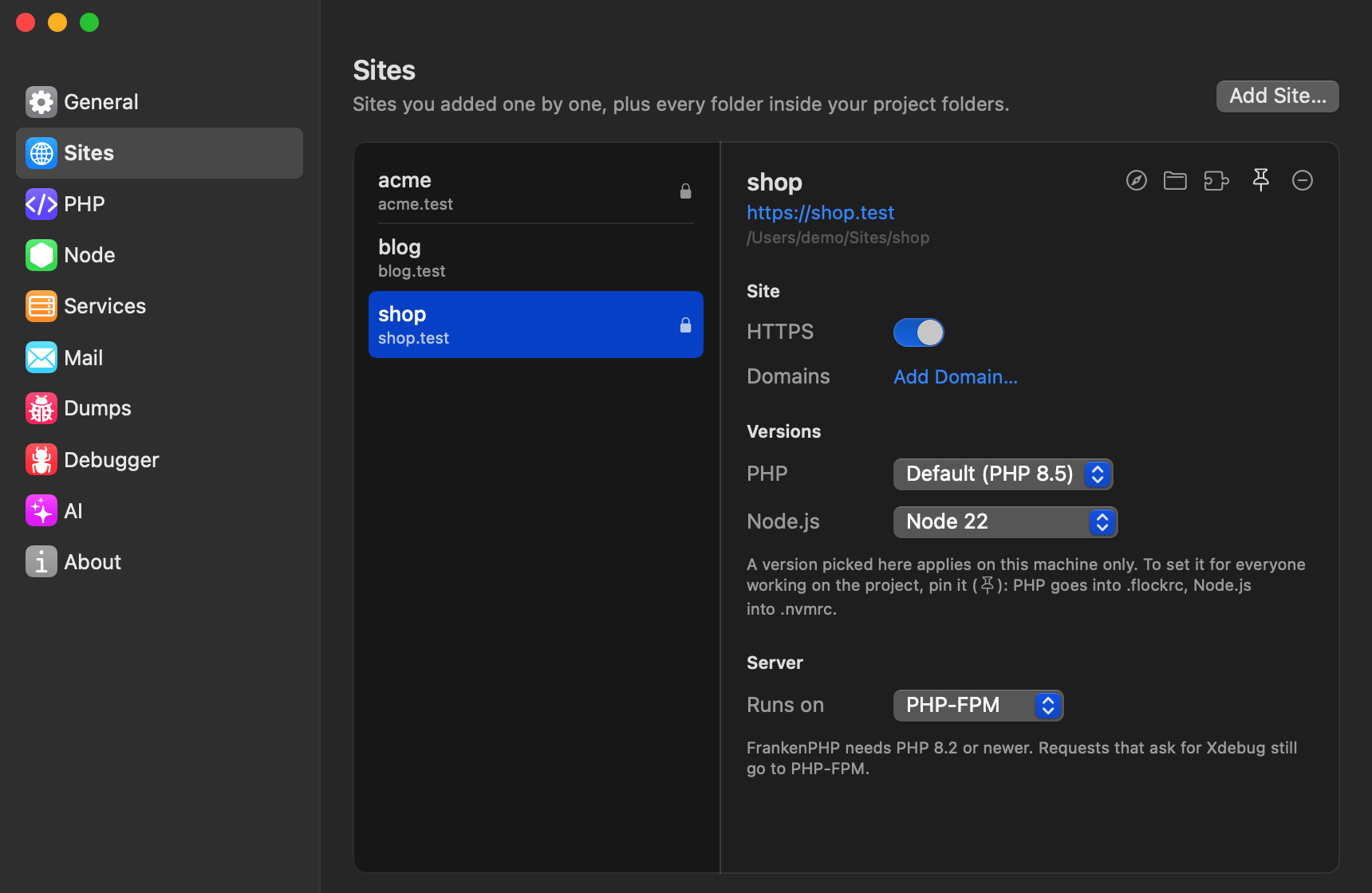
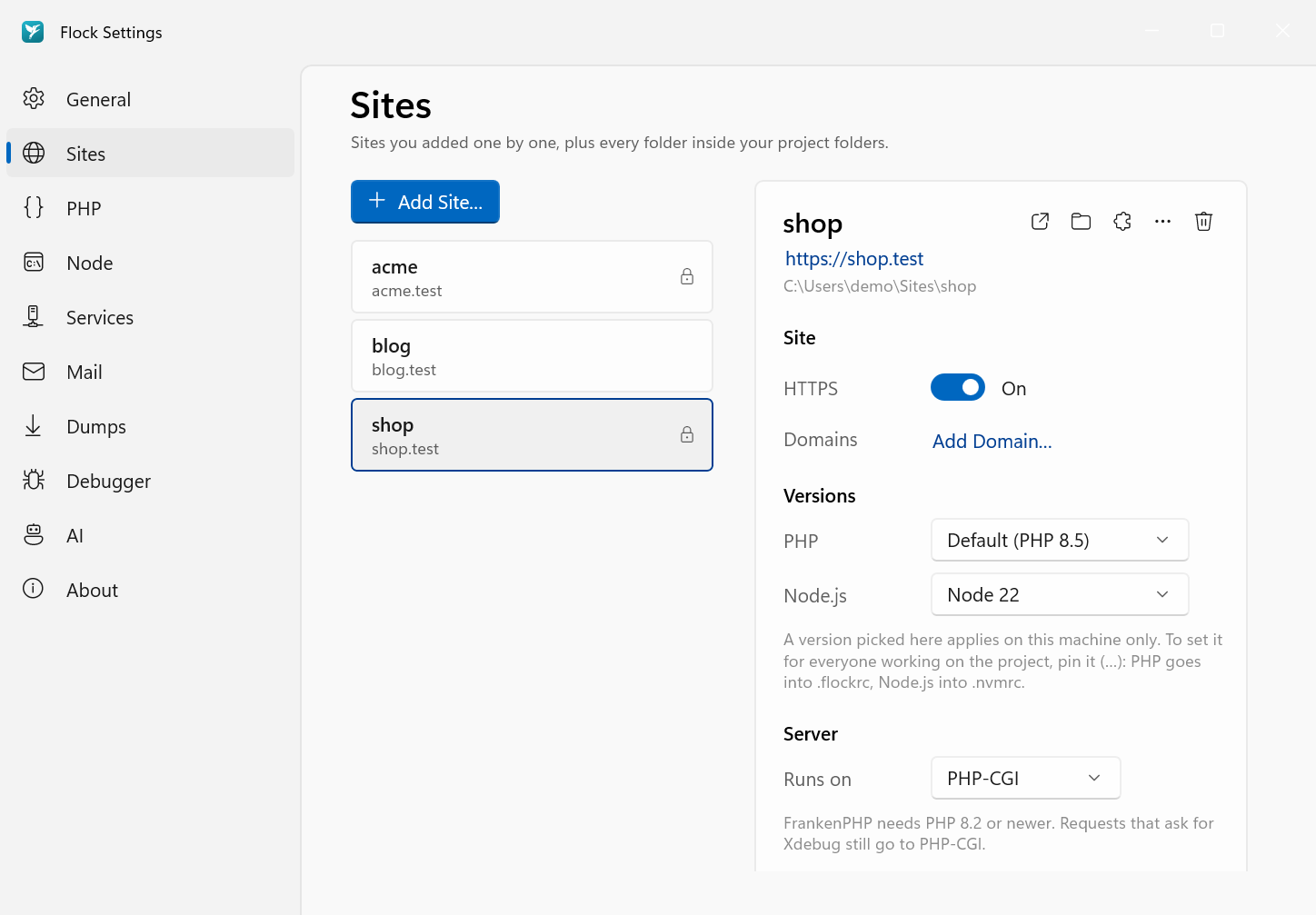
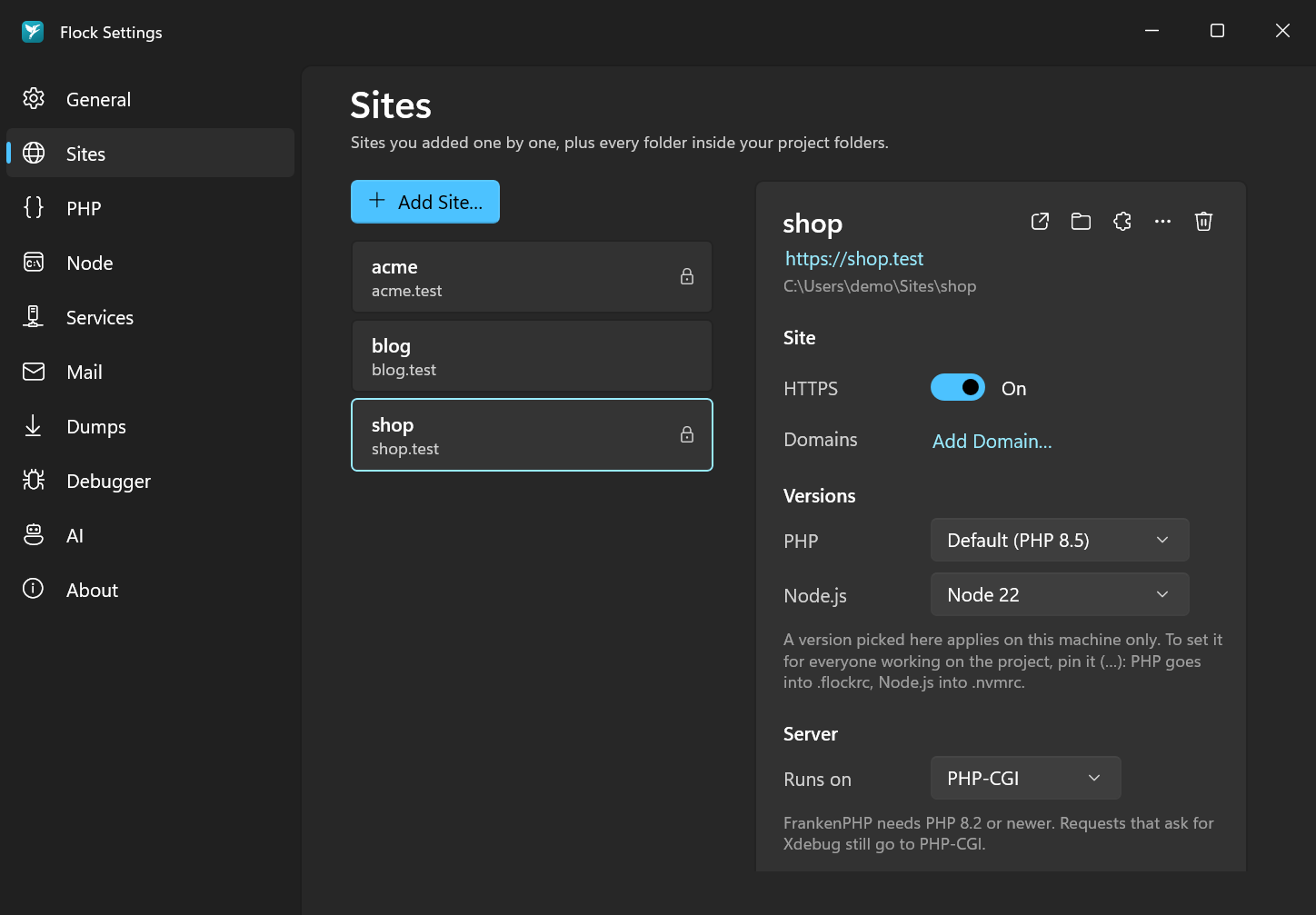
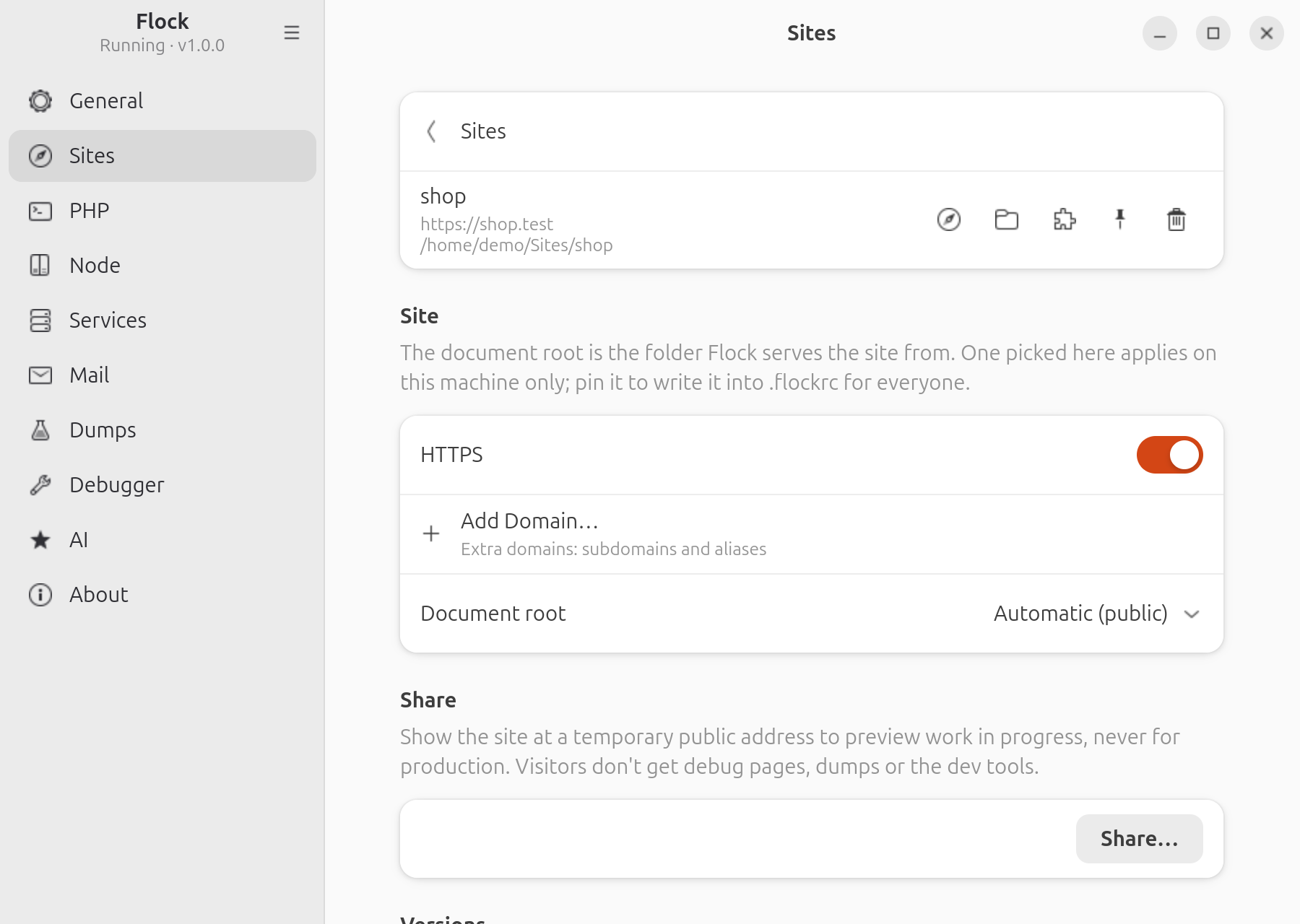
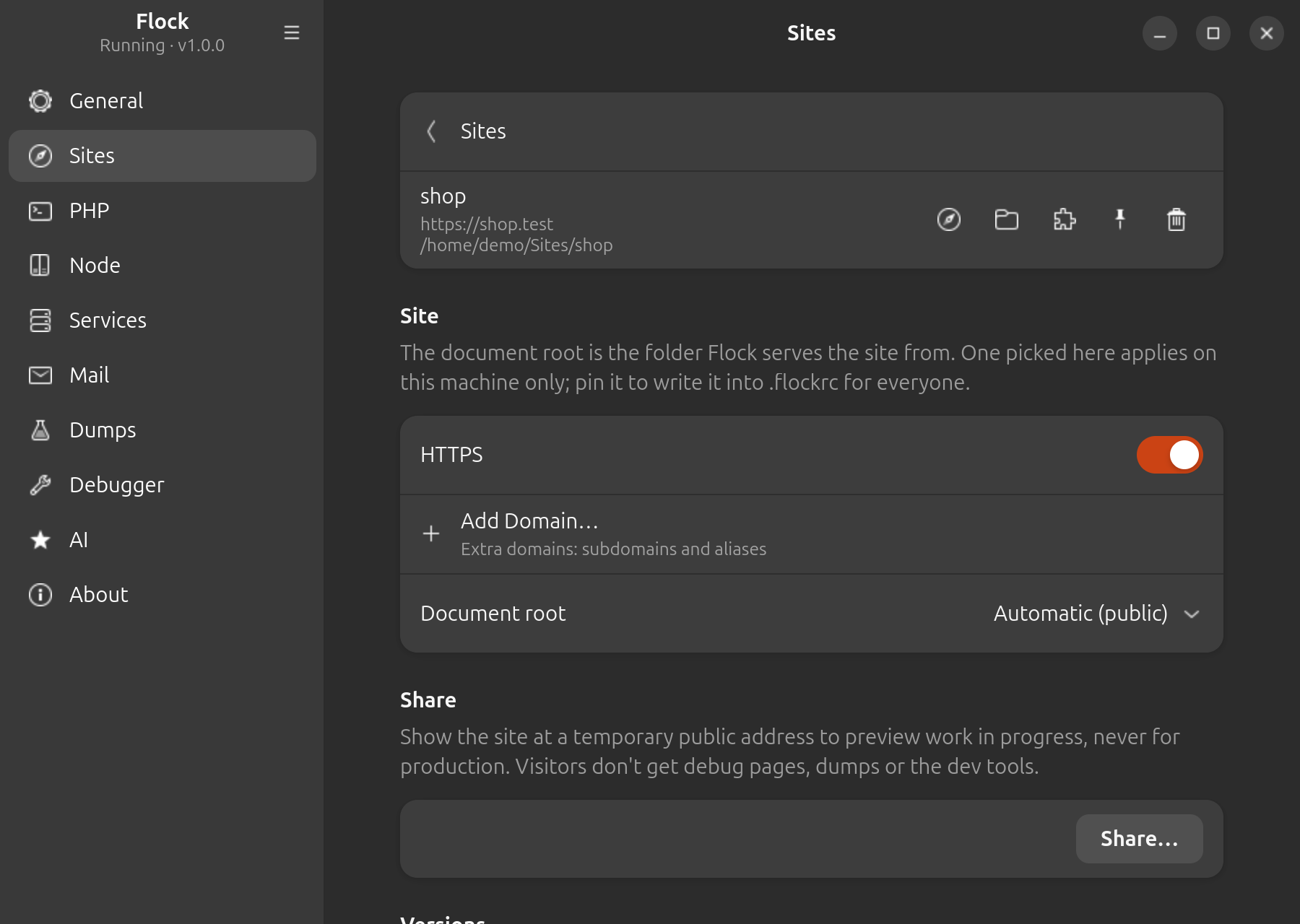
To remove a linked site, click its Remove site icon and confirm with Remove. Sites that come from a project folder have no remove button: they disappear when you remove the folder.
Link the current directory as a site:
cd ~/Code/acme
flock link
# linked ~/Code/acme → http://acme.test
Pass a name to use a different one, and use the flags to set it up in one go:
flock link shop --php 8.4 --secure
| Flag | Description |
|---|---|
--php <version> |
Use this PHP version for the site |
--secure |
Serve it over HTTPS right away |
Remove a link with flock unlink [name].
Proxying a local service
Apps that aren't PHP, such as a Next.js, Nuxt or Vite dev server, an object store or a dashboard, run a server of their own on a port. A proxy passes a .test domain to that server, so the app gets a name, and HTTPS, like a site:
On macOS, click Add Proxy… in Settings → Sites, and give a name and the port (or host:port or URL). Proxies are listed under the sites, here and in the Flock panel, with what serves them (for example Node.js 22, when it's one of Flock's versions) or Not running; select one to turn on HTTPS, change its upstream or remove it.
flock proxy softpack 3000
# proxied http://softpack.test → http://127.0.0.1:3000
A port means 127.0.0.1; give a host and port (localhost:5173) or a URL (https://127.0.0.1:8443) for anything else. Proxying the name again changes its upstream.
| Flag | Description |
|---|---|
--secure |
Serve it over HTTPS right away |
flock secure softpack and flock unsecure softpack work on proxies too, flock proxies lists them with what serves them (or not running), and flock unproxy softpack removes one.
Requests pass to the server with their Host header, so the app sees softpack.test, and WebSocket upgrades pass through too, so hot reload works. Some dev servers only answer the hosts they know: allow the domain in Vite's server.allowedHosts, or Next.js's allowedDevOrigins. Flock doesn't start the server, so start it as usual. Until it answers, the domain shows a page saying so, which switches to the app once it runs.
A proxy's name can't be a linked site's: Flock refuses it. A folder of the same name in a project folder is served by the proxy instead, so flock proxy softpack 3000 works for ~/Code/softpack; flock unproxy softpack serves the folder again.
Listing sites
Settings → Sites lists every linked and parked site with its domain and a lock when it's secured. Select one to see its PHP and Node versions, domains and server. Sites from a project folder carry a Project folder badge. The Sites section of the Flock panel lists them too: click one to open it in your browser.
flock sites
This lists every linked and parked site with its PHP version, URL and path, and every proxy with its URL and upstream.
Document root
For each site Flock serves public/ when it contains an index.php, which covers Laravel and most other frameworks. Otherwise it serves the project folder itself, so plain PHP projects and static sites work too.